

What's new
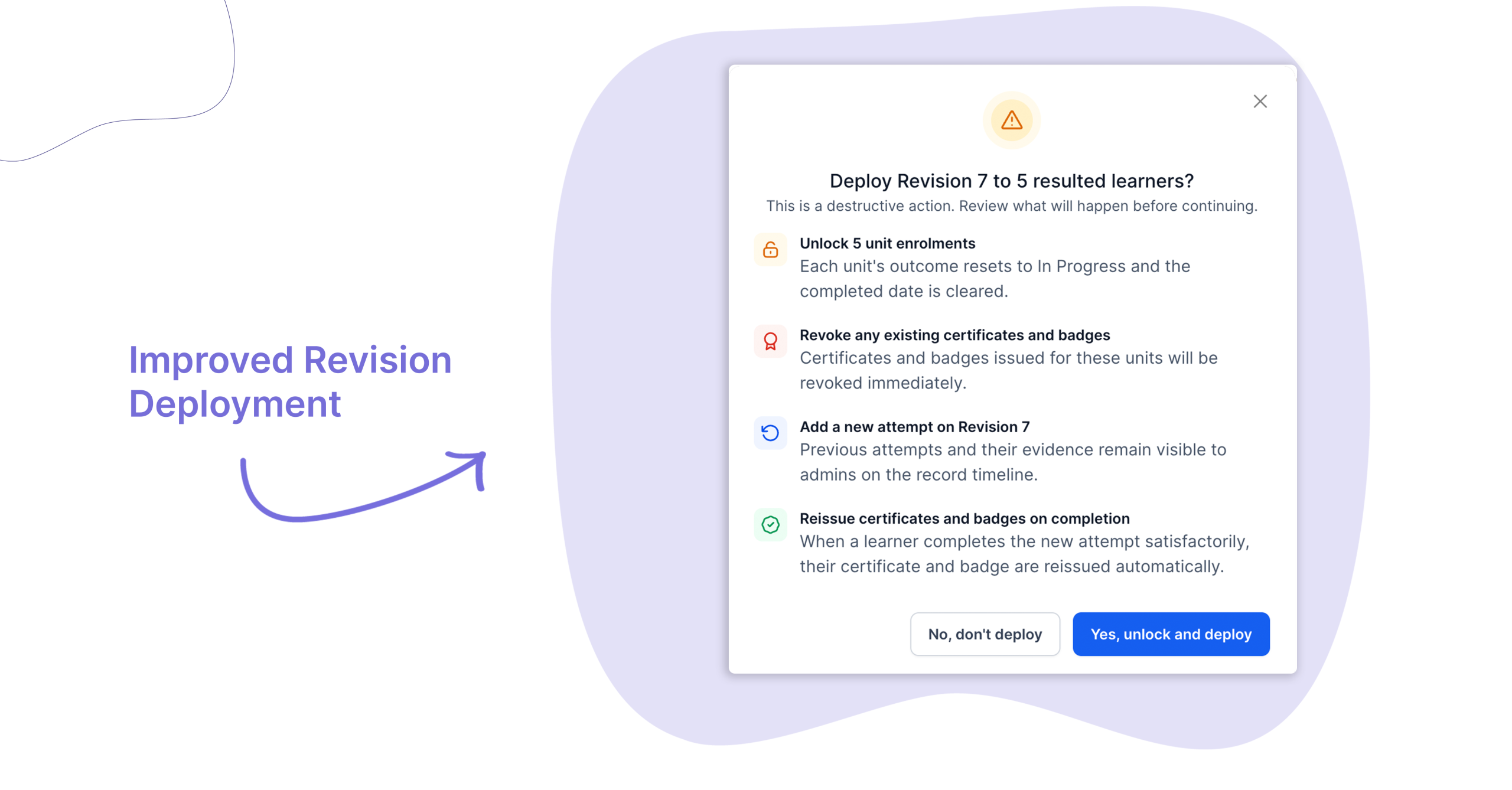
You can now deploy a new activity revision to learners who have already completed a previous version. A new “Resulted” option in the deployment filter lets admins push a fresh attempt to any learner, regardless of their record state – without overwriting their existing evidence.
Who is this for?
This feature is designed for organisations that use Cloud Assess for SOP acknowledgements, compliance training, or any activity where content is regularly updated and all staff need to re-complete the latest version.
If your team manages cyclical records or needs to ensure learners are always working from the most current revision, this update is for you.
Why it matters
Until now, deploying a new revision to learners who had already completed an activity required manual workarounds or wiping past data. Learners with resulted records were silently excluded from deployment filters, meaning admins had no clean way to reassign updated content to those who had already finished it.
This update closes that gap. Admins can now deploy a new revision as a fresh attempt to any learner – while keeping all previous evidence intact on their record.
Key features
- Deploy to resulted records – A new “Resulted” option in the “Which records?” filter lets you target learners who have been marked Satisfactory or Not Satisfactory on a prior revision.
- Evidence is always preserved – Previous attempts and their evidence stay visible on the learner’s timeline. A new attempt is added alongside them, not in place of them.
- Flexible targeting – Select one or more learner groups in a single deployment. Target resulted, in progress, and not started learners at the same time.
- Activation prompt – When you activate a new revision, a prompt takes you straight to the Deployment sub-tab, pre-filled and ready to go.
How to get started
Improved Revision Deployment is available to all Cloud Assess customers now.
To use it, go to Framework > Activities, select an activity, activate a new revision, and head to the Deploy > Deployment sub-tab. Select Push new revision and choose your target learner groups.
Keen to learn more?
Book a demo to speak with our sales team or visit our help centre if you are an existing Cloud Assess customer.



