TL;DR
Both aXcelerate and Cloud Assess were built for Australian RTOs. Training providers who move to Cloud Assess do it for three reasons: it is easier to use, the support helps you get value from it, and the admin runs itself.
- Students see every unit, result, and outstanding task
- Certificates and Statements of Attainment email automatically on completion
- Offline assessment for trainers in the field
- Paper, Word, and PDF assessments digitised for you
- Integrates with aXcelerate, VETtrak, PowerPro, and JobReady
Why RTOs move to Cloud Assess
1. Trainers and Students Use It Without a Manual
The most common reason RTOs give for leaving aXcelerate is that staff find it complex and students find it hard to see their own progress. Cloud Assess puts course creation, marking and student records in one interface. Trainers build assessments by drag and drop. Students see every unit, every result and every outstanding task in the learner app.
In my decade-long experience in education, Cloud Assess stands out as a partner that truly understands our needs.
Jordan Murphy
CEO
2. Support That Gets You Live, Not Just Unstuck
An implementation done badly costs an RTO a year. Cloud Assess onboarding is run by people who have set up RTOs before, with weekly product releases and a support team in Australia. Software Advice has awarded Cloud Assess Best Support more than once.
Cloud Assess’ customer service is first rate and I would struggle to find someone with a better service.
Chris Weier
CEO
3. Admin That Runs Itself
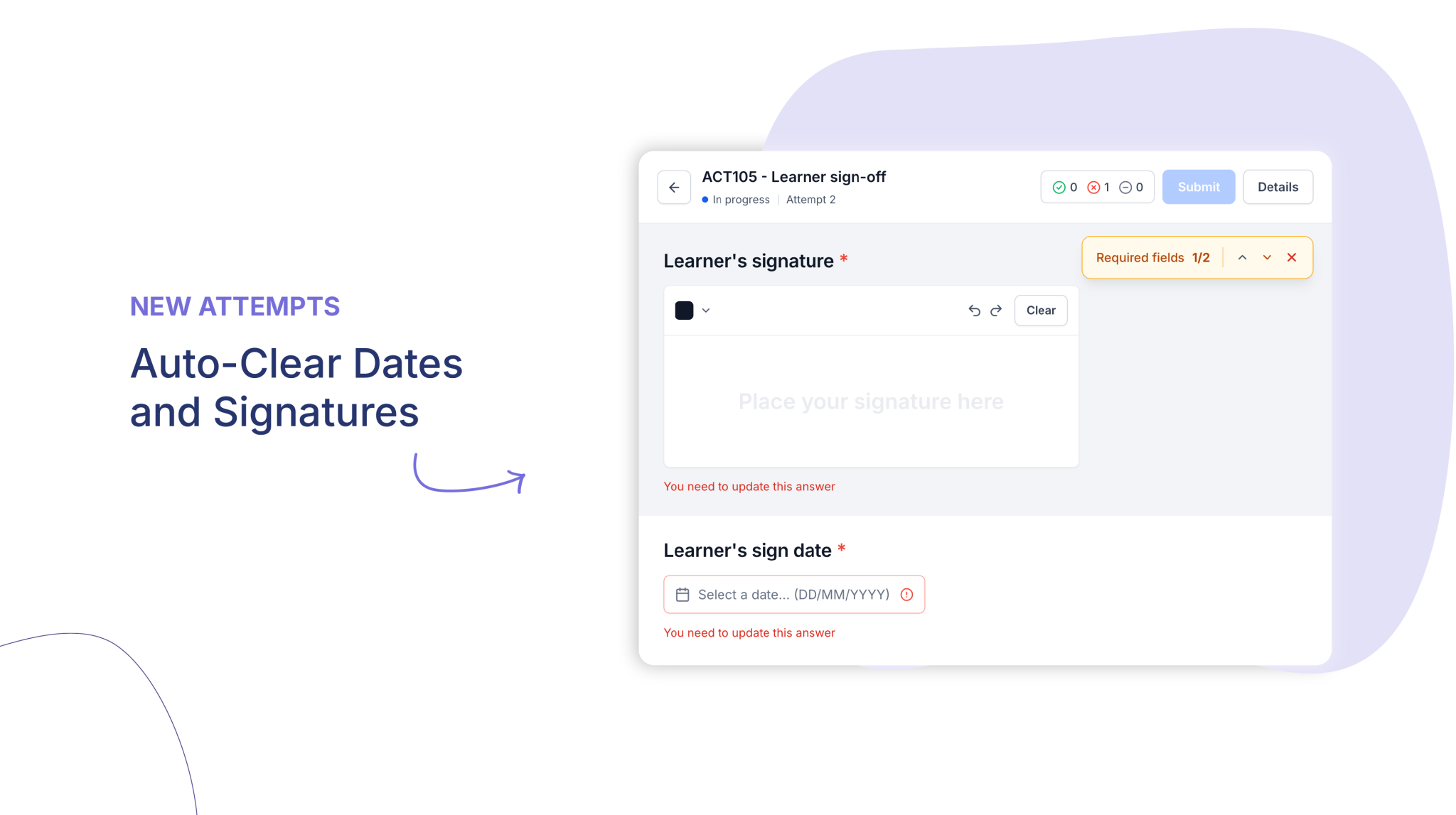
Enrolment forms feed straight into student records. Reminders go out when a student has not logged in. Certificates and Statements of Attainment issue and email automatically on completion. Staff stop chasing 30 students by phone and start reviewing a dashboard.
Feature Comparison
| Cloud Assess | aXcelerate | |
|---|---|---|
| Drag and drop course and assessment builder | ||
| AVETMISS reporting and USI validation | ||
| Certificate issue, verification, and revocation | ||
| Calendar and scheduling | ||
| Mobile app for learners | ||
| AI assessment creation and marking assistant | ||
| Digital logbooks and evidence portfolios | ||
| Offline assessment for trainers in the field | ||
| Automated enrolment, reminders, and certificate emails | Partial | |
| SCORM content at no extra cost | ||
| Free microlearning course library | ||
| Planned vs actual learner progress | ||
| Digital badging |
Switching from aXcelerate
Moving platforms is the reason most RTOs stay on software they dislike. Cloud Assess runs the move with you.
- Your student records, enrolments and results migrate into Cloud Assess. Data migration is managed as part of the implementation.
- Existing assessment content (Word, PDF, paper) is digitised into Cloud Assess by our content team.
- A dedicated onboarding lead, a go-live date agreed in writing, and trainer and admin training before you switch over.
- Records remain audit-ready through the move: revision control and mapping carry across.
Keeping aXcelerate for student management?
Some RTOs want aXcelerate’s SMS and a better LMS and assessment tool on top. Cloud Assess integrates with aXcelerate, PowerPro, VETtrak and JobReady, so you can run accredited training and assessment in Cloud Assess while enrolments and funding stay where they are. See the integrations page.
Setting up a new RTO
If you are mid-registration with ASQA, the platform you choose now shapes every audit after. Cloud Assess gives a new RTO compliant student management, assessment and certificate workflows from the first enrolment, and a team that has helped providers through registration. Book a demo before your application is lodged so your evidence and record-keeping are designed in, not bolted on.
Pricing
Cloud Assess. One flat fee based on learners trained. Every feature (including AI) included from day one, with no modules to add and no feature gates. Request a quote for your learner numbers.
aXcelerate. Quote-based, with different models for short courses, long courses and hybrid delivery, and separate fees for data migration and custom development. There can be additional costs to access features and based on AI usage.
Frequently Asked Questions (FAQs)
Switching From aXcelerate to Cloud Assess FAQs
Can Cloud Assess replace both my LMS and my SMS?
Yes. Cloud Assess covers enrolment, student records, AVETMISS and state reporting, USI validation, training and assessment, and certification in one platform.
Can I keep aXcelerate as my SMS and use Cloud Assess for training and assessment?
Yes. Cloud Assess integrates with aXcelerate and other student management systems.
How long does a move take?
It depends on the volume of student data and the content to be digitised. Your onboarding lead scopes it and agrees a go-live date before you sign.
Do trainers need internet access to assess?
No. The Cloud Assess app works offline. Assessments and evidence sync when the trainer is back in range.
Is SCORM content included?
Yes, at no extra cost.
See Cloud Assess Against Your Own Assessments
Bring one unit of competency and one enrolment form to the demo. We will show you how both run in Cloud Assess.