What's new
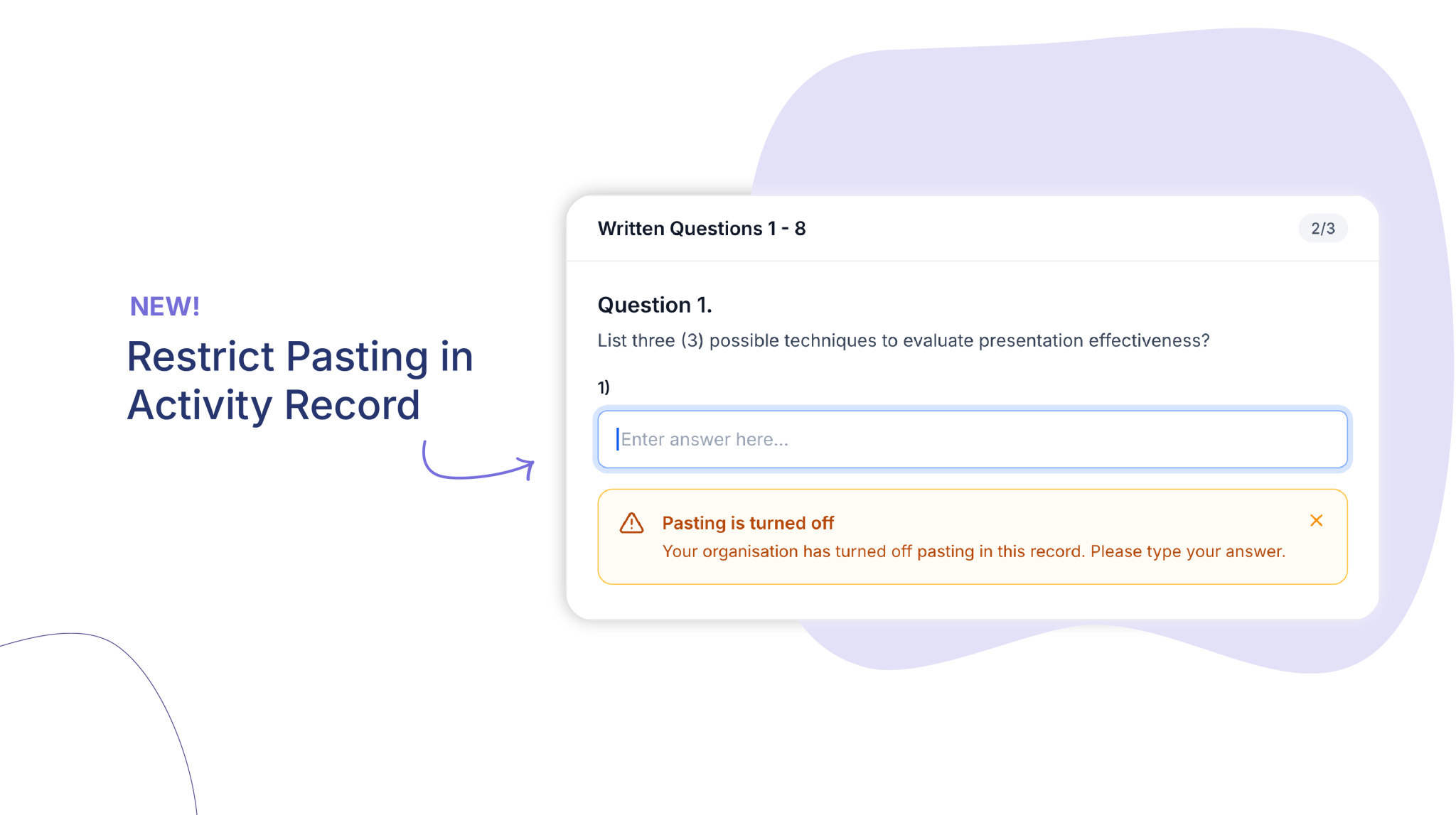
A new organisation setting lets you turn off pasting for learners in activity records, so answers are typed rather than copied in.
Who is this for?
Compliance managers, trainers and assessors who want learners to complete activity records in their own words.
Why it matters
When learners type their answers, they engage with the question and the response reflects their own understanding. This setting encourages that habit, giving assessors more confidence in the evidence in front of them.
Key features
- Learner-only restriction – Pasting is turned off for learners across every field in an activity record.
- Clear on-screen message – Learners who try to paste see a short message explaining that pasting is turned off and asking them to type their answer.
- No change for staff – Assessors, trainers and admins can still paste as normal, including when working in a learner’s record.
How to get started
- Contact your Customer Success Manager to request the setting.
- Once enabled, the restriction applies to learners straight away.
- Let your learners know they will need to type their answers in activity records.
For more information, visit the Help Centre or Book a demo today!
Keen to learn more?
Book a demo to speak with our sales team or visit our help centre if you are an existing Cloud Assess customer.