What's new
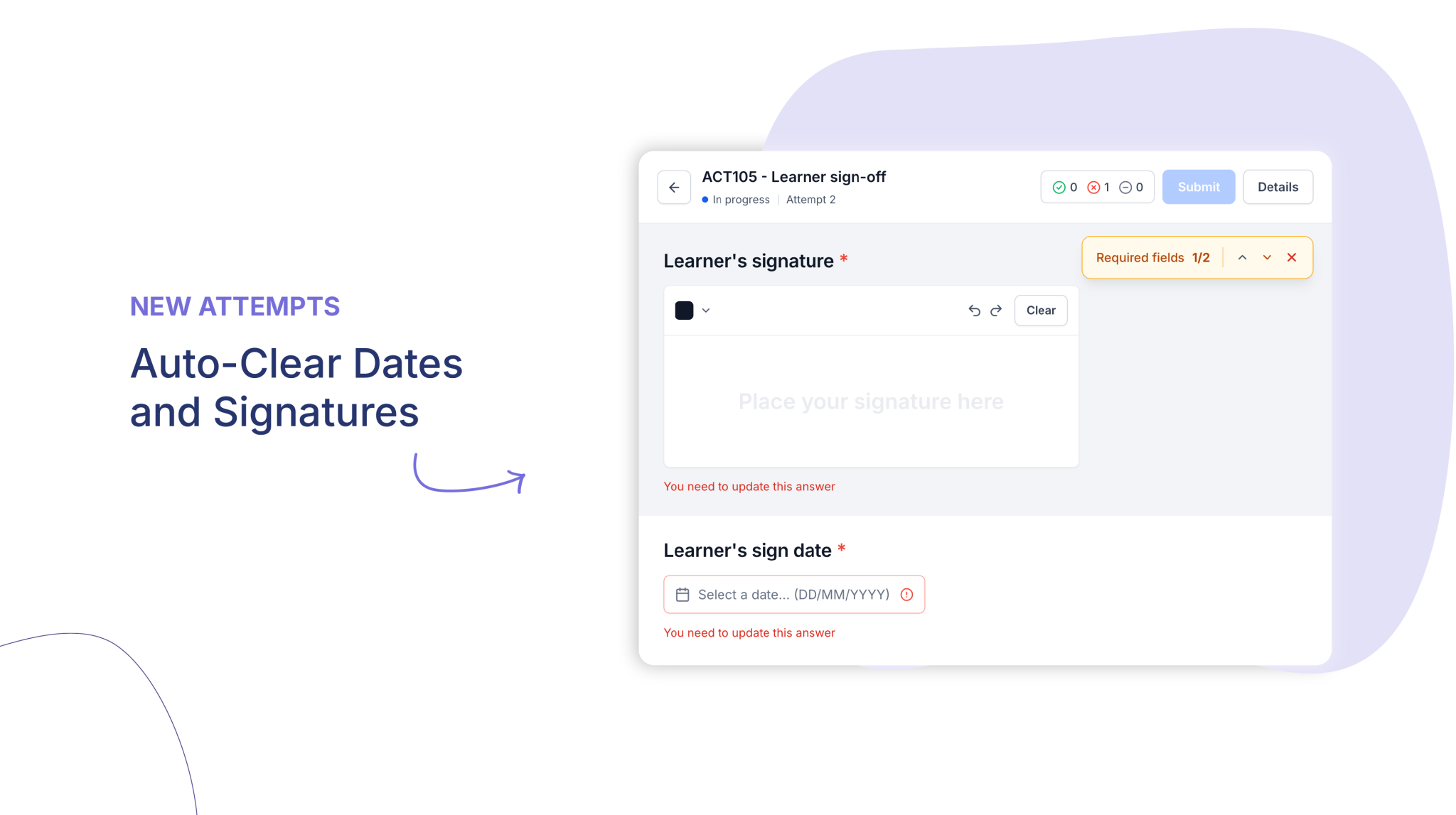
Date and signature fields on activities can now be set to clear automatically when a learner is given a new attempt, so each attempt is signed and dated afresh.
Who is this for?
Anyone managing reassessments who needs a fresh learner and assessor sign-off on each new attempt.
Why it matters
Every new attempt carries a signature and date that match when the work was completed, giving you an accurate, defensible record for audit. Everything else in the attempt carries over as normal.
Key features
- Field-level control – Tick Clear Field on New Attempt on individual signature and date fields, so you decide exactly which fields reset.
- Keep what should carry over – Leave the setting off for fields that should be retained, such as a workplace supervisor’s signature.
- Learner and assessor signatures – Works for both learner and assessor signature fields, plus any date fields.
- Consistent across new attempts – Fields clear the same way whether the new attempt is duplicated or blank.
- Clear prompts – Cleared fields are flagged on the new attempt, so learners and assessors know exactly what needs to be completed again.
- Opt-in by default – The setting is off until you turn it on, so existing activities are unchanged.
How to get started
- Open the activity and edit the current revision.
- Select the Signature Pad or Date Picker field you want to reset.
- In Field settings, under General, tick Clear Field on New Attempt.
For more information, visit the Help Centre or Book a demo today!
Keen to learn more?
Book a demo to speak with our sales team or visit our help centre if you are an existing Cloud Assess customer.