Artificial intelligence is becoming an everyday part of how people learn and show what they can do. As these tools become more accessible, they’re starting to influence how organisations work. This includes the way they approach the assessment of skills. This shift is encouraging many teams to take a fresh look at their current assessment methods. It’s also prompting them to consider how AI technology might support the way they evaluate performance.
In this blog, we’ll explore:
- How AI is bringing widespread changes to assessment
- The benefits that AI can offer when used in assessment
- What AI use in assessment means across different sectors
- How to design assessments for an AI-enabled environment
- The challenges that come with implementing AI in assessment
Changes AI Is Bringing to Assessment

New Ways for Learners to Complete Tasks
AI is changing how learners and employees plan, draft and organise their work. They use generative AI tools to form ideas, outline steps and explore options as they begin a task. AI sits inside the tools they already use. This makes AI support feel like a natural part of completing assignments and workplace training activities.
Smarter Assessment Design and Delivery
Trainers are using AI to support various parts of the assessment process. AI assessment generators help them create example questions and develop realistic assessment scenarios. It generates practice tasks and variations of existing materials. It also supports planning activities, including mapping tasks to intended learning outcomes or checking coverage. These uses help streamline the design and delivery of various types of assessments.
Co-Created Assessment Outputs
AI is now contributing to the creation of learner and employee work. Final submissions may include ideas, wording or structure shaped by generative AI tools. Outputs are no longer produced by the learner alone, and many tasks reflect a mix of human input and AI support. This shift is changing the nature of assessed work and introducing new forms of blended authorship.
Shifts in Assessor Capabilities
Assessors need skills to evaluate work that includes AI influence. They must understand how common tools operate and the risks they carry. They also need to know how AI tools might affect learner or employee responses. This knowledge supports fair judgement by giving assessors insight into the student’s process. It also helps them see where the learner’s own understanding and decision-making have shaped the final outcome.
AI-Enabled Assessment Technologies
AI-powered features are becoming part of the tools used for learning, training and assessment. These systems analyse responses, track progress, and support task completion. They influence the way assessments operate and inform broader assessment strategies. Many platforms now include built-in AI functions that shape workflows, guide users, and help structure evidence. This is changing how assessment environments function and how people interact with them.
Benefits of Using AI in Assessment

Faster, Clearer Feedback for Learners
AI provides real-time suggestions that support growth during learning and training. It analyses drafts and offers immediate guidance. This helps learners and employees adjust their work as they go. It reduces delays in understanding performance gaps. It also helps deliver constructive feedback that feels more personalised and targeted. This is because the support responds to the individual’s specific actions within their learning process. Instead of waiting for a scheduled review, it adapts in real time to what the learner is doing.
More Consistent Marking and Moderation
AI pattern recognition supports consistency across assessors. It reviews responses against the same criteria each time. This helps reduce variation when multiple assessors or supervisors are involved. It also helps manage workload and reduce human error by flagging areas that may need closer attention. AI tools often support rubric alignment, calibration, and clarity of marking criteria across assessment teams. This highlights how different assessors interpret the same evidence.
Smarter Adaptive Assessment Tools
Adaptive tools adjust questions to match learner and employee understanding and performance. They identify the level of difficulty the person can manage and adjust the next item accordingly. This supports differentiated learning, targeted skill development, and improved student learning over time. That’s because adaptive assessments respond to the individual’s progress rather than following a fixed path. These pathways reflect what the person needs to practise or demonstrate next in their role or training journey.
Supports Evidence Checking and Integrity
AI helps identify inconsistencies or unusual patterns in submissions. It can compare different versions of work or highlight sections that do not match the person’s typical style. This strengthens the verification process for assessors and supervisors. It supports academic integrity across educational assessment environments. It also highlights evidence that may require a closer look. Some tools can also detect undisclosed AI use or irregular workflows. This helps maintain fairness and clarity in both training and workplace assessment processes.
What AI Use in Assessments Means in Different Sectors
Vocational Education and Training (VET)

Ensuring Competency Evidence is Authentic
AI is influencing how learners produce written and digital evidence. This makes authenticity more important in VET settings. It also plays a role in maintaining academic integrity. Trainers are relying more on demonstrations, simulations and workplace observations to confirm competency. This shift places greater emphasis on performance evidence because it shows real capability in action.
Defining Where AI Fits into Competency Tasks
AI is also shaping how learners approach practical and knowledge-based tasks. Trainers need clarity on which tasks can safely involve AI and which need independent demonstration. They also need to know which types of AI assistance would constitute academic misconduct. This often means reviewing the task requirements and the industry standards that guide them. Some tasks allow AI-enabled tools because they reflect common workplace practice. Other tasks require the learner to complete the task without support to show specific skills.
Workplace Learning and Capability Development
Aligning Assessment With Real AI Enabled Workflows
Many workplaces now use AI-enabled tools every day, and capability assessments are starting to reflect this. Assessment tasks incorporate the tools employees use in their roles, making evidence feel authentic. This helps organisations measure capability in a way that matches real workflows.
Assessing Oversight, Judgment and Decision Making
AI is changing the type of decisions employees make during assessment tasks. Workers often use AI to gather information or draft ideas. But they still need to review, validate and improve the output. Oversight, critical thinking, and judgment are important parts of workplace assessment. Assessors look at how well employees check information and apply context. They also consider how responsibly the employee makes decisions when using AI-enabled tools.
Moving Toward Ongoing Capability Assessment
AI is also supporting a shift toward ongoing capability assessment. Organisations are reviewing performance over time through real tasks, projects, and workplace observations. This approach replaces a reliance on single-point assessments. It links capability assessment to evolving skills frameworks. It also provides a clearer view of how employees apply their skills day-to-day.
How to Redesign Assessments in the Age of AI

1. Shift Toward Assessing Process, Not Just Output
Assessment needs to show how a learner or employee reached their final response. The focus shifts from the end product to the steps that led to it. This approach encourages students and employees to be more transparent about their processes.
Use tasks that ask for:
- Short reflections that describe key decisions
- Reasoning steps that demonstrate critical thinking
- Annotated drafts that show how the work developed
- Artefacts or version history to confirm the path taken
2. Integrate Authentic, Context-Rich Task Design
Tasks need to reflect real situations that people experience in their roles or training. The goal is to design authentic assessments that feel relevant and connected to actual practice. Authenticity keeps the assessment aligned with real expectations.
Use design choices such as:
- Scenarios that reflect day-to-day responsibilities
- Tasks that link to local processes or tools
- Challenges based on realistic constraints
- Situations that mirror common workplace or training conditions
3. Make AI Use Explicit in Assessment Instructions
Clear rules reduce confusion and support consistent expectations across assessors and supervisors. Good instructions about AI usage help people understand the boundaries before they start.
State instructions clearly by outlining:
- Whether AI is allowed, restricted, or not permitted
- Examples of acceptable and unacceptable use
- Any declaration requirements, such as prompts or tools used
- Any limits on the type or extent of AI support
4. Use Multiple Evidence Types for a Full Picture
A single type of evidence is no longer enough when AI can shape parts of the work. Using a mix provides a clearer picture of capability. The combination helps confirm both knowledge and performance.
Combine evidence types such as:
- Written responses that show understanding
- Practical demonstrations or observations
- Oral explanations or structured discussions
- Digital artefacts that show the development of the task
5. Include Interactive or In-Person Validation Steps

Short, targeted interactions help confirm that the person understands their work. It also confirms that they can apply their skills without relying on AI.
Useful validation steps include:
- Brief interviews or Q&A
- On-the-spot demonstrations
- Short problem-solving tasks linked to the assessment
- Clarifying questions about decisions made during the task
6. Design Tasks That AI Can Assist With but Not Replace
Assessment tasks should require input that AI cannot generate independently. The goal is ensuring human contribution stays visible, even when AI is available.
Use task elements such as:
- Details drawn from the person’s own experience
- Variables that change for each individual
- Decisions based on situational or ethical judgement
- Requirements tied to knowledge of specific workplaces or systems
7. Embed Ethical and Responsible AI Use Into Assessment Criteria

People need to show they can use AI responsibly, not just effectively. Embed ethical and responsible AI use to help build safe and informed AI practice.
Include criteria that check for:
- Understanding of risks, limitations, and bias in AI output
- Decisions about when to use AI and when not to
- The ability to justify AI involvement when required
- Awareness of accuracy, privacy, and security considerations
8. Implement Secure Digital Evidence and Version Control
Digital tools can help strengthen assessment integrity when AI is part of the workflow. They allow assessors to see how work developed over time and confirm the steps a person took to complete a task.
Use systems or processes that support:
- Capture of drafts or interim versions that show the development of work
- Timestamps that track when changes were made
- Version history that helps confirm the sequence of edits
- Secure storage that protects the authenticity and traceability of evidence
9. Build AI Literacy Expectations Into Assessment Design
Assessment needs to reflect the AI skills required in learning and work environments. This ensures assessments align with real skill requirements. It also connects directly to the teaching strategies used to prepare people for these tasks.
Clarify expectations by defining:
- The level of AI skill needed to complete the task
- The tools or features the person is expected to understand
- Any microlearning or guidance provided before assessment
- Links between AI expectations and industry or organisational standards
10. Continuously Review Tasks Against New AI Capabilities
AI tools change quickly, so assessment tasks need regular review to stay valid. This keeps assessments relevant over time. It also ensures they stay aligned with any AI assessment scale your organisation uses to gauge risk or task vulnerability.
Maintain task quality by:
- Checking whether AI can now complete parts of the task
- Updating activities to maintain cognitive demand
- Reviewing instructions to keep them current
- Adjusting evidence requirements when needed
11. Review How Your AI-Driven Tech Shapes Assessment Tasks

If your training or assessment tools include AI features, review how they influence the way people complete tasks. This includes tools used by learners and employees, as well as tools used by trainers, supervisors and assessors.
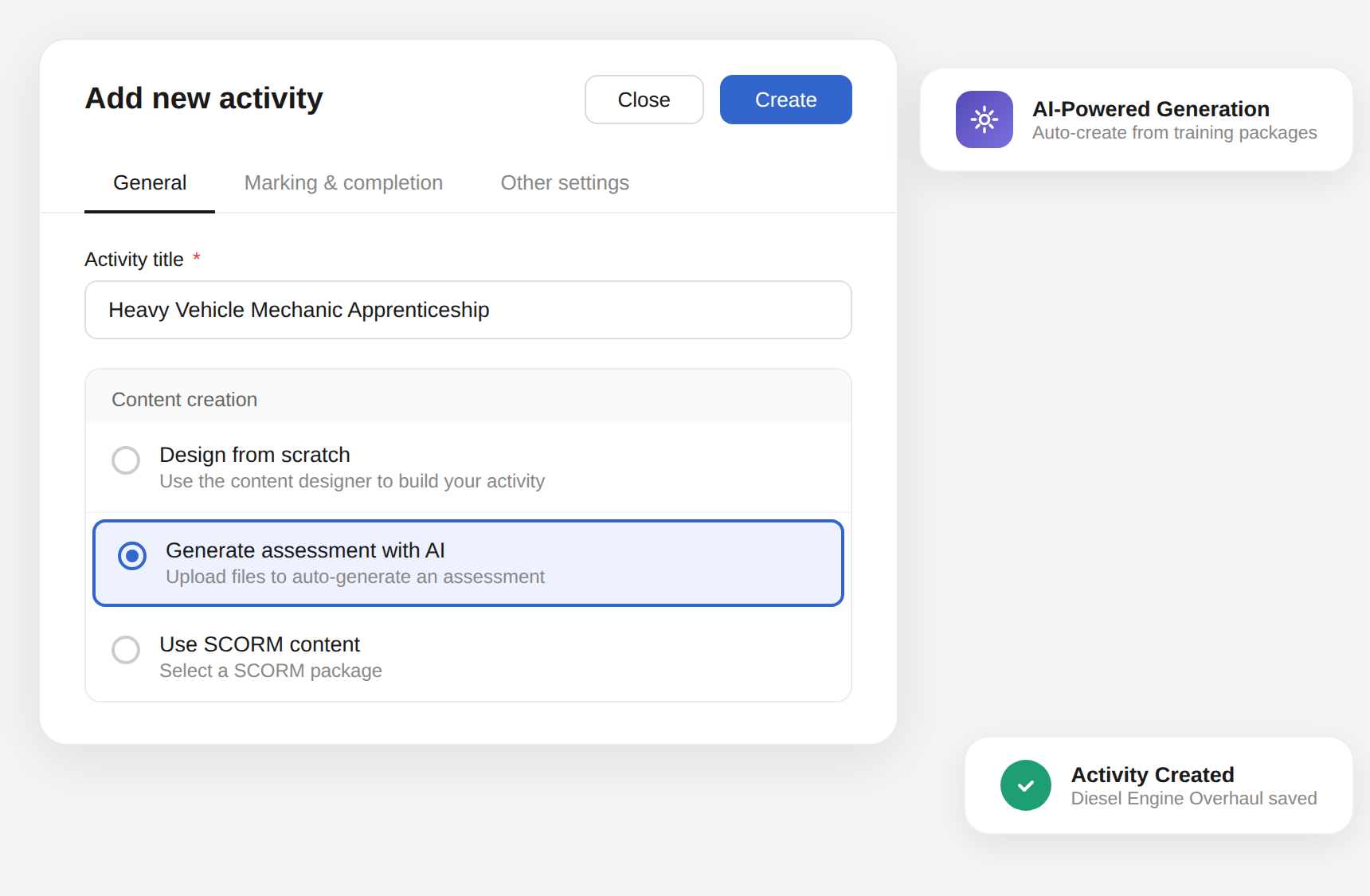
For example, an AI marking tool can influence the type of support a person receives. An AI generator inside your authoring software with built-in assistance features can also affect how tasks are completed. Understanding how such tools operate helps ensure assessments remain fair and valid. It also confirms that tasks stay aligned with real capability.
When reviewing assessment design, check:
- How AI-enabled features in your systems may affect the task
- Which tools provide support that needs to be considered in the assessment conditions
- Whether the platform shapes the output in ways that require clarification or validation
- If any built-in features need to be restricted or explained in instructions
Challenges with Implementing AI Use in Assessments
Ensuring Accuracy and Fairness of AI Support
AI-generated content can appear factual even when it is inaccurate or incomplete. Different tools may behave inconsistently, which can influence how people approach tasks. These factors can affect the fairness of judgments if they are not managed carefully.
Solution: Maintain human oversight of assessment decisions. Verify AI-generated insights before using them as part of the judgement process.
Maintaining Equity in Access to AI Tools
Not everyone has access to the same AI tools, which creates uneven levels of support during assessments. Some people may benefit from advanced tools, while others rely on basic options or none at all. This difference can lead to unfair advantages.
Solution: Provide clear guidance on expected tool use. Ensure that required AI tools are available to all participants during assessment.