Assessments are integral to any form of training. They give organisations an opportunity to test learners’ knowledge, identify areas for improvement, and enhance overall training programs. While many of the best learning management systems platforms offer high-level assessment features, they can at times be too simple for organisational needs. This is why businesses and training providers often turn to external assessment solutions to enhance their assessments.
In this blog, we take a deep dive into the best assessment tools on the market, and how they can supplement your training initiatives.
What is an Online Assessment Tool?
An online assessment tool is software that organisations can use to create online tests, quizzes, surveys and forms that supplement their existing training materials. Being web-based makes it easy for educators to create and update engaging assessments. It also means that learners can access them from anywhere on any device.
These tools often integrate with existing systems like an organisation’s learning management system (LMS), student management system (SMS) or HR software. This provides educators and learners with a comprehensive solution for training, assessment, and administration.
What is the Difference Between an Online Assessment Tool and an Assessment Platform?
Online assessment tools usually meets a single need. It is designed to test skills and students’ knowledge, and is based online making it readily accessible. However, these tools often lack broader features that are required for skill management, training or organisational administration.
An assessment platform provides the functionality that organisations need to manage overall assessments, from enrolment to tracking, to reporting, analytics, learner management and more. Assessment platforms often offer LMS and student management system features alongside assessments, providing organisations with an all-in-one platform to conduct training and assess knowledge and skills. However, assessment platforms are not always based online, and they can be less accessible than web-based assessment.
Since assessment tools offer less features, they often come at a lower cost than comprehensive assessment platforms. This makes them an affordable option for organisations to implement without needing to invest in an extensive solution.
Best Online Assessment Tools


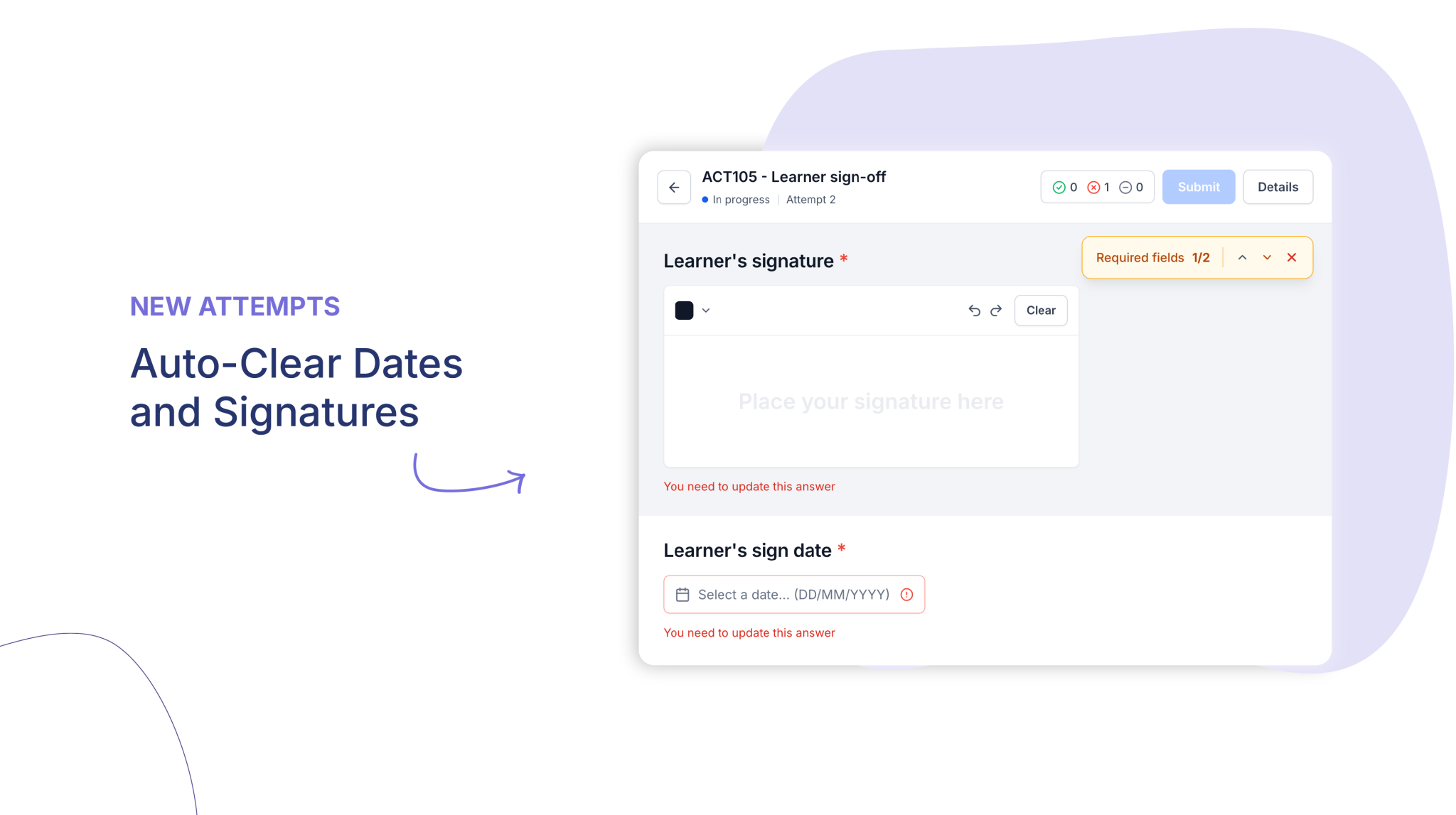
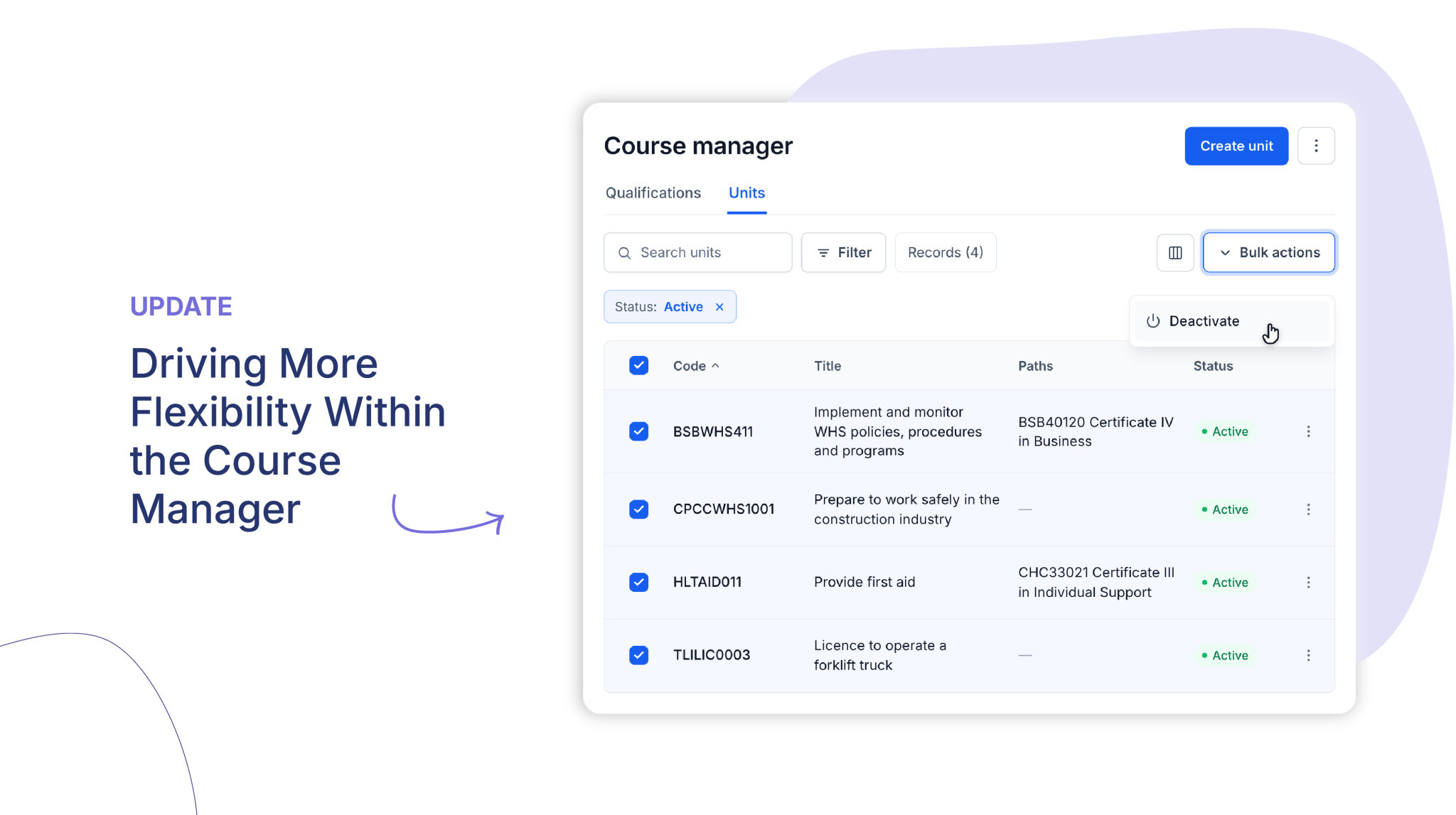
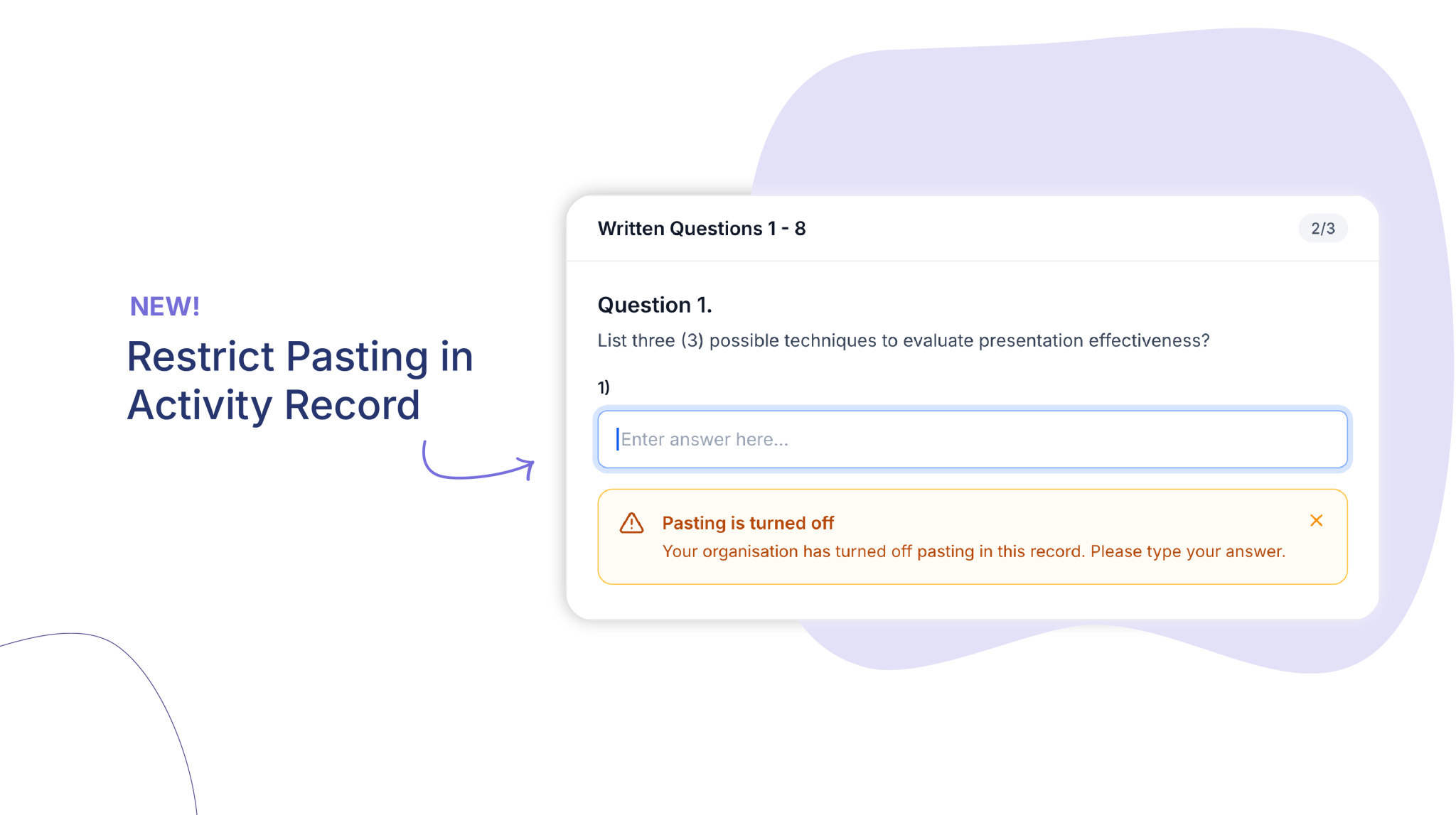
Cloud Assess is a training platform that offers online assessment tools to businesses, registered training organisations (RTOs) and vocational education training (VET) providers. While Cloud Assess can be used as a full-blown assessment software, it integrates well with other business platforms. This means that it can be adopted for online assessments in particular without making use of advanced learning management and student management features. Their summative and formative assessments are designed to be accessible online and offline across multiple devices. This makes assessing the skills of deskless workers significantly easier.
Key Features
- Customisable assessments
- Real-time feedback
- Interactive assessments
- Multiple assessment types
- Advanced analytics and reporting
- Online and offline functionality
- Extensive free course library
- Over 5000 integrations
Pros
- Online and offline assessment capabilities
- Easy to navigate without any technical skills or experience.
- Highly customisable assessments to meet various business requirements.
- Efficient workflow automation reduces administrative burden, saving valuable time.
- Scalable to meet the needs of small and large organisations.
Pricing
Cloud Assess offers one all-inclusive plan for training organisations and workplace training, priced as a flat fee per learner from $12. Every feature is included from day one, with no upgrade paths or feature gates. Visit our pricing page for an accurate quote.
Rating
4.7/5 (average rating from Capterra, G2, GetApp, Software Advice)
#2 Google Forms
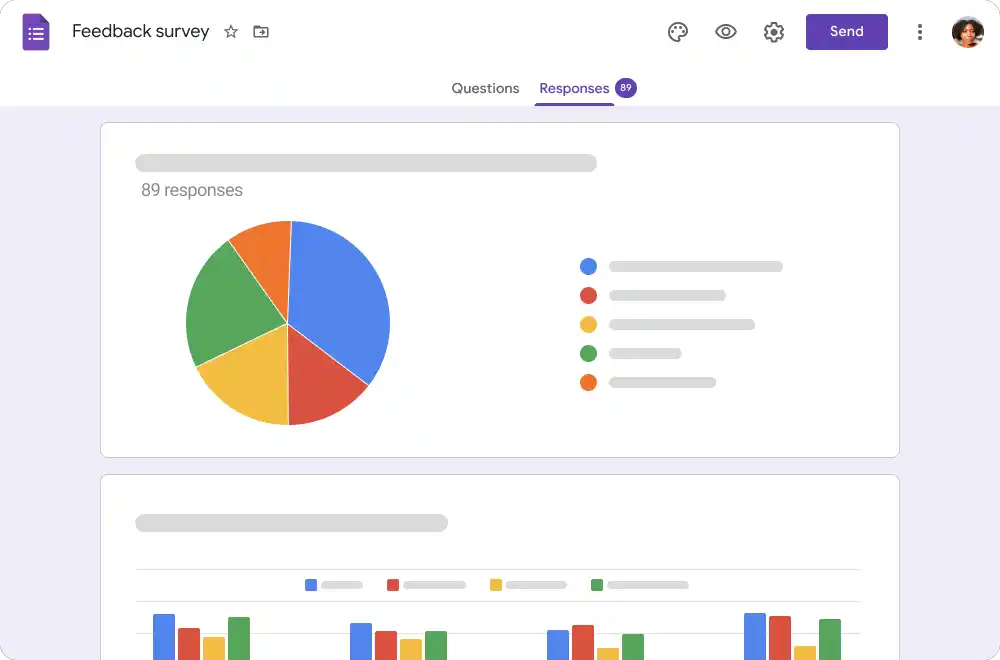
Google Forms is a practical tool for educators and small teams seeking a straightforward solution for creating quizzes and surveys. It’s a great option for businesses that are already using Google Workspace, since it integrates well with a variety of Google apps. However, Google Forms is less interactive and customisable than other online assessment tools. Organisations that don’t use Google tools will find it a less attractive option than other tools on this list.
Key Features
- Multiple question types
- Automated grading
- Collaboration features
- Basic data analysis
- Free to use
Pros
- Very user-friendly with drag-and-drop form or survey creation.
- Seamless integration with other Google Workspace apps.
- Allows teams to collaborate on assessments in real time.
- Data is automatically stored in the cloud, ensuring easy access and backup.
Cons
- Limited branding and customisation options
- Only provides basic analytics based on assessment results.
- Requires internet to create and access forms.
Pricing
Google Forms is available for free if you’re using it for personal use. It’s also included under Google’s Business Standard plan for $12 per user monthly. This provides access to all Google Workspace apps along with extra storage, shared drives and other advanced features.
User Volume
Google Forms is well suited to educators, trainers and small teams that are familiar with Google Workspace and want to provide simple and collaborative assessments.
Rating
4.6/5 (average rating from Capterra, GetApp, Software Advice and G2)
#3 Microsoft Forms
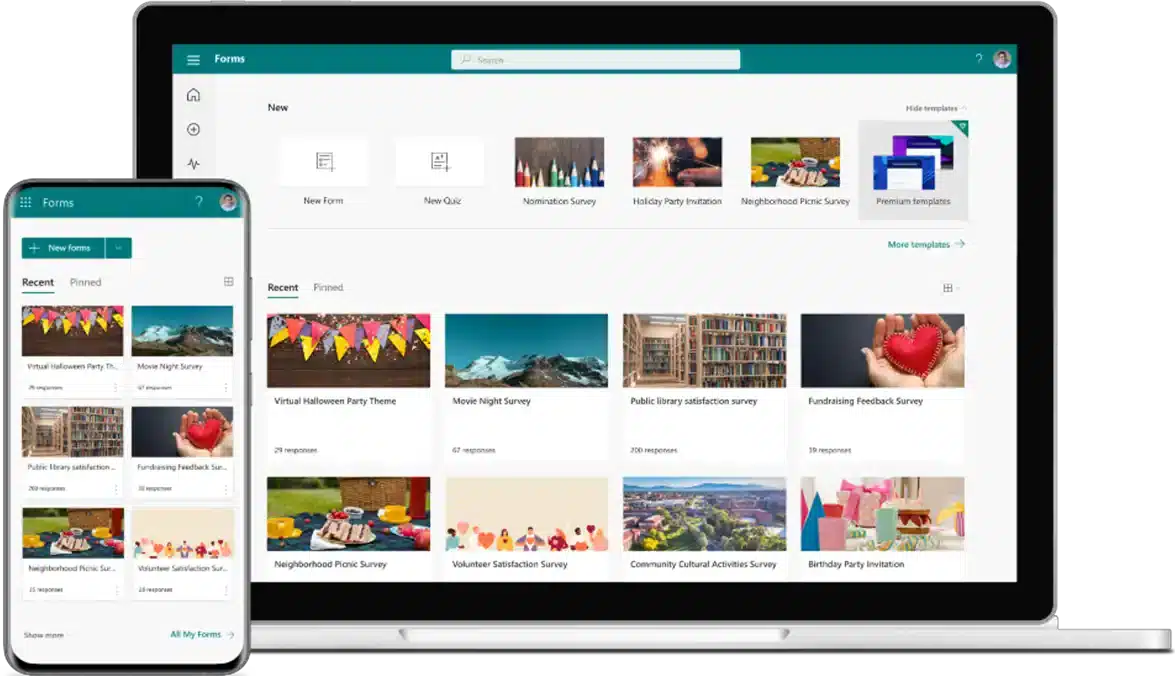
Operating in much the same way as Google Forms, Microsoft Forms is an online assessment tool for businesses that work in a Microsoft environment. It sports a simple drag-and-drop survey creator in an online environment backed by Microsoft’s advanced security features. This makes it a reliable tool for collecting real-time data without worrying about data security breaches. However, businesses that don’t already use Microsoft 365 will find the tool limiting in terms of customisation, reporting and features.
Key Features
- Variety of question types
- Real-time collaboration
- Integration with Microsoft 365 tools
- Automated grading
- Accessible design
Pros
- Works well with Excel, Teams and other Microsoft applications.
- Simplified form creation.
- Real-time data collection and analysis.
- Includes robust security features for data protection.
Cons
- Free version offers limited features
- Paid version offers fewer features than other online assessment tools as well.
- Few customisation and branding options
Pricing
Microsoft offers a free version of Forms with limited features. It’s also included in their Business Basic, Business Standard and Business Premium plans. Microsoft 365 Business Basic starts from $6.00 per user per month.
User Volume
Corporate teams and existing Microsoft users wanting to conduct internal assessments and collect feedback.
Rating
4.5/5 (average rating from Capterra, GetApp, Software Advice and G2)
#4 SurveyMonkey

SurveyMonkey offers online assessments with a wide range of features and customisation options. It makes use of advanced logic in its surveys and quizzes, making it a more extensive tool for online assessments than either Google or Microsoft Forms. However, advanced features can also come with a steep learning curve, making it more difficult for companies to implement. If you’re looking for a simple tool for your assessments, SurveyMonkey may be too complex for your needs.
Key Features
- Wide range of question types
- Advanced logic
- Robust data analysis features
- Custom branding
- Extensive integrations
Pros
- Offers advanced features for creating comprehensive surveys and assessments.
- Provides detailed reporting and analytics into assessment results.
- Scalable to meet the needs of businesses of all sizes.
- Customisable designs to match your company’s branding.
Cons
- Features can be overwhelming if you’re looking for a simple assessment tool.
- Steep learning curve to use features like advanced logic in online assessments.
- Advanced features are only available under Premium pricing.
Pricing
SurveyMonkey offers a Basic free package for individuals, however it limits the number of questions and responses available. Their Team Advantage package starts at $25 monthly per user with a minimum of 3 users. Team Premier, which includes advanced features like survey logic, starts at $75 monthly per user with a minimum of 3 users. Enterprise pricing is available on request.
User Volume
Large enterprises that want detailed assessments and in-depth analytics without investing in an assessment software platform.
Rating
4.5/5 (average rating from Capterra, GetApp, Software Advice and G2)
#5 Slido

Slido is an interactive tool for online assessments which provides real-time polls and Q&A features. It’s a great option for organisations that want to enhance user engagement, making it ideal for social learning and group surveys. However, this interactive environment may not suit companies that are looking for straightforward learning and skill assessments.
Key Features
- Live polling and Q&A features
- Integration with presentation tools like PowerPoint and Google Slides
- Engagement and interaction analytics
- Custom branding
- Anonymous participation
Pros
- Interactive features boost user engagement.
- User-friendly and simple to setup.
- Real-time interaction and engagement for instant feedback.
- Can handle audiences of any size.
Cons
- Limited traditional assessment features.
- Requires a stable internet connection.
- Limited question types compared to competitors.
Pricing
Slido offers a free version where a single user can create events for up to 100 users with basic features. Their Engage plan, which includes surveys, unlimited polls and data exports starts at $12.50 per user monthly. Additional features are available on their Professional and Enterprise plans, which cost $50 for 2 users and $150 for 3 users per month respectively.
User Volume
Corporate training providers and event organisers who want to increase engagement through audience participation.
Rating
4.7/5 (average rating from Capterra, GetApp, Software Advice and G2)
#6 Kahoot!
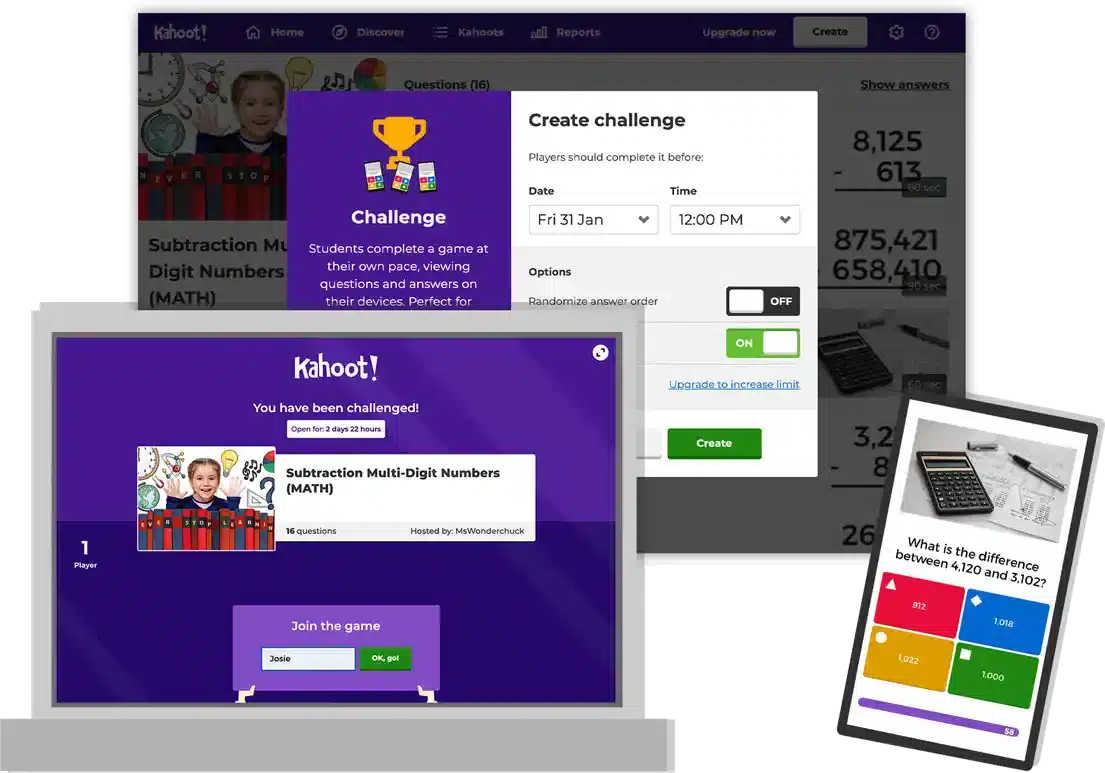
Kahoot! is a gamified learning platform which offers interactive online assessment tools. Its quizzes and live learning sessions make it a popular choice for educational institutions and corporate trainers. Gamification, self-paced learning and a library of pre-made quizzes boost user engagement, making for an interactive learning process. However, Kahoot! doesn’t offer many reporting features, and organisations that need detailed online assessments may find it too simple for their needs.
Key Features
- Gamified quizzes
- Live and asynchronous learning
- Customisable surveys
- Instant feedback
- Extensive pre-made quiz library
Pros
- Highly interactive content boosts user engagement
- Easy to create and launch quizzes with minimal setup
- Suitable for a variety of learning environments
- Access to extensive user-generated content
Cons
- Outdated and distracting user interface
- Limited analytics compared to competitors
- Focused on engagement rather than in-depth assessments
Pricing
Kahoot! offers a variety of pricing plans for businesses, schools and higher education institutions. Their 360 Spirit Team plan starts at $20 per user per month.
User Volume
Teachers and corporate trainers that want to increase participation and engagement.
Rating
4.6/5 (average rating from Capterra, GetApp, Software Advice and G2)
#7 Quizlet

Quizlet is another great tool for online assessment that boosts learner engagement. It offers games and study aids that make allow for interactive learning and assessment that can be used to supplement large assessment initiatives. Its different modes help organisations to accommodate different learning styles and types of assessment. However, Quizlet offers limited assessment features on its own, making it one of the less comprehensive solutions on this list. It’s also designed for educational institutions rather than corporate training.
Key Features
- Flashcards and study sets
- Gamified learning
- Multiple learning modes
- Mobile app
- Live and formative assessment tools
Pros
- Versatile tool suited to a wide range of subjects and learning styles.
- Interactive features and gamification boost engagement.
- Vast library of pre-made content.
- Simple interface for creating and delivering training materials.
Cons
- Limited assessment features
- Only basic reporting and analytics features
- Quality of pre-made content varies significantly.
Pricing
Quizlet offers a free plan for learners, or a paid learner plan which provides access to further resources. QuizletPlus for Teachers provides customisable content creation and insights into student learning. Pricing starts at around $2.90 per month.
User Volume
Teachers that want to supplement their traditional training methods with interactive and collaborative materials.
Rating
4.5/5 (average rating from Capterra, GetApp, Software Advice and G2)
#8 Mentimeter
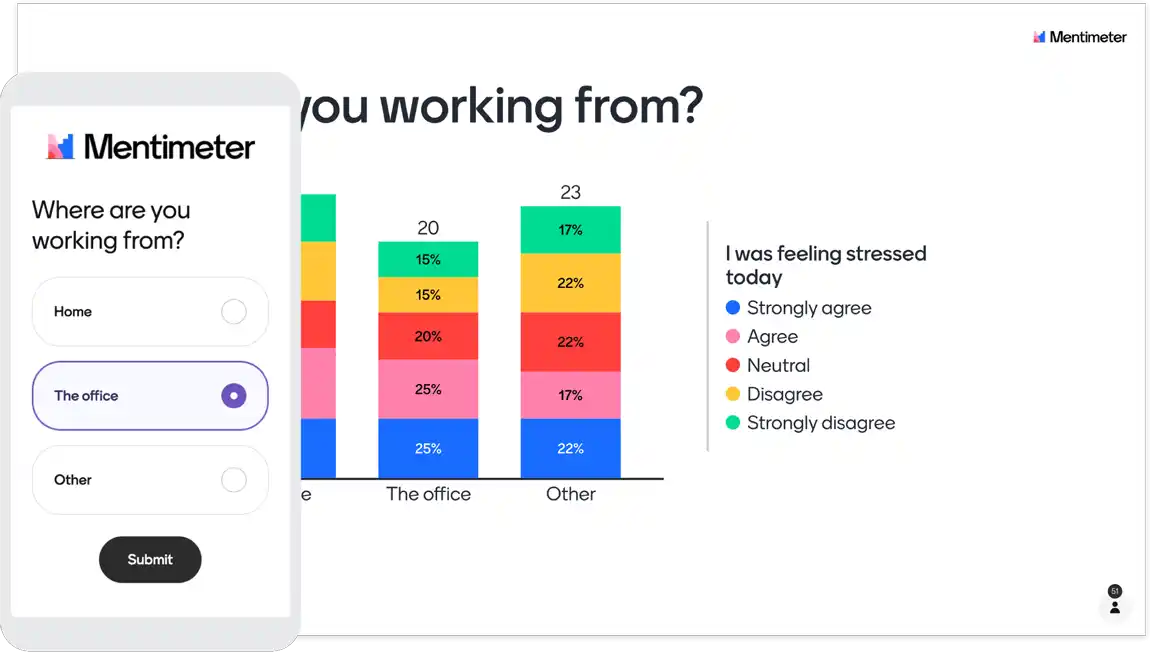
Mentimeter is an interactive presentation tool which incorporates Q&As and immediate feedback from learners. This makes it a great tool in any educator’s assessment arsenal, since it boosts learner engagement and helps you to gain an understanding of skills and students’ knowledge. However, like some of the other options in this list, Mentimeter is more focused on engagement rather than assessment itself. This makes it a good fit for use as a supplementary assessment tool, but sees it being too simple for many organisational needs when used on its own.
Key Features
- Interactive presentations
- Slide types include word clouds, polls and quizzes
- Audience engagement
- Data visualisation
- Customisable templates
- Anonymous responses
Pros
- Effective for engaging audiences during presentations.
- Allows for real-time feedback and interaction.
- Suitable for audiences of all sizes, making it a good fit for small and medium enterprises as well as large organisations.
- Simple interface with easy setup
- Integrations with PowerPoint, Keynote and Google Slides makes it easy to import and export presentations.
Cons
- Limited assessment features
- Limited question types compared to competitors
- Requires a stable internet connection..
Pricing
Mentimeter offers a free plan with limited participants and slide types which reset monthly. Their Basic plan starts at $11.99 monthly per presenter, and offers import and export features along with unlimited participants. Customisation and team templates are available on the Pro plan from $24.99 per presenter per month, with custom pricing available for Enterprises on request.
User Volume
Corporate trainers and educators that want to boost engagement during presentations.
Rating
4.5/5 (average rating from Capterra, GetApp, Software Advice and G2)
#9 Socrative
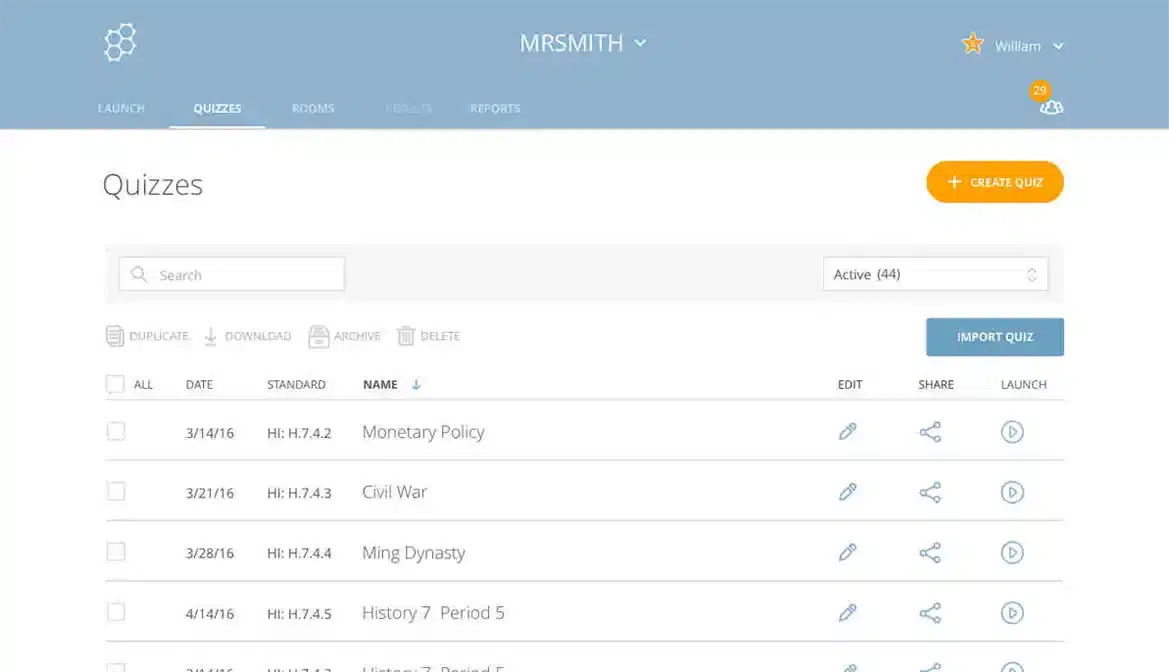
Socrative is a tool for educators in K12, higher education and corporate environments to create quizzes, polls and learning exercises as formative assessments. It offers gamification and collaboration features, and allows educators to test students’ knowledge at regular intervals and highlight knowledge gaps. This can help to direct additional training for particular learners, or can help educators to improve course materials in general. However, Socrative doesn’t offer many advanced features or integration options. This can make it difficult for organisations to implement their assessment tools effectively into their operations.
Key Features
- Real-time quizzes
- Multiple question types
- Exit ticket notifications for summative assessment
- Real-time analytics
- Gamification features
Pros
- User-friendly interface makes Socrative easy for both educators and learners to use.
- Allows for immediate feedback during courses and assessments.
- Gamification allows for enhanced motivation and engagement.
- Reporting and analytics available in real-time.
Cons
- Limited customisation and advanced features
- Limited integration capabilities
- Requires a stable internet connection
Pricing
Socrative offers a free assessment tool which accommodates up to 5 quizzes and up to 50 learners. Their Essentials plan is available from $9.99 per seat per month and includes advanced reporting features. Their Pro version starts at $16.99 per user per month and includes a dedicated account manager and priority support.
User Volume
Educators requiring real-time assessment and reporting tools to gauge user understanding and boost learner engagement.
Rating
4.4/5 (average rating from Capterra, GetApp, Software Advice and G2)
#10 Typeform
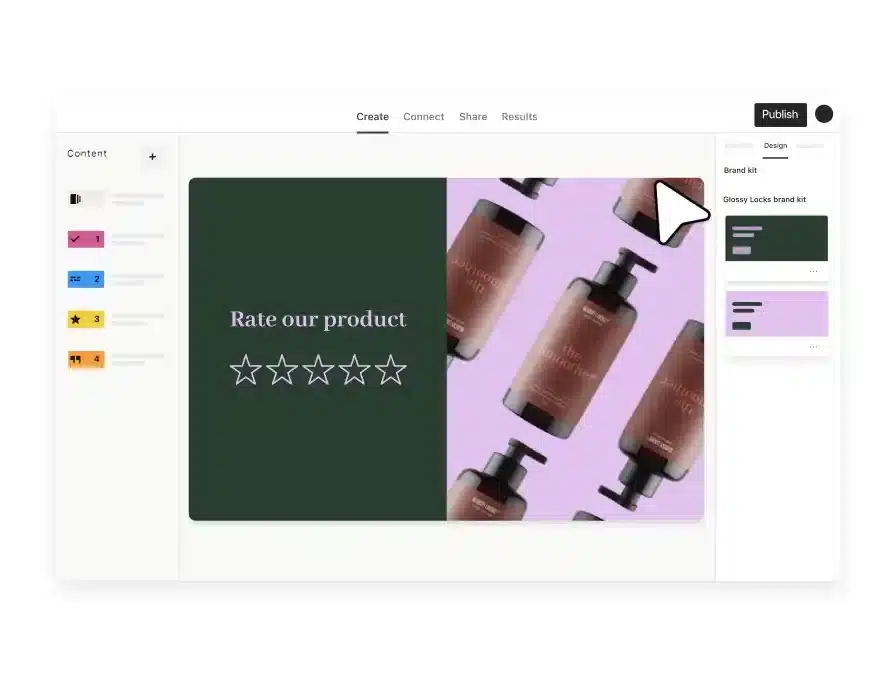
Typeform offers a user-friendly interface for creating engaging quizzes and surveys. It’s primary focus is on form creation and interaction, which can be used to gather valuable insights on training activities and provide a platform for formative assessments. However, while Typeform can be a great addition to assessment initiatives, it offers limited analytics and comes with a steep learning curve. These make it more difficult to use Typeface as a standalone assessment tool than some other options on this list.
Key Features
- Conversational forms
- Multiple question types
- Conditional logic
- Integration with third-party tools
- Custom branding
Pros
- Engaging design that enhances user experience.
- Suitable for a wide range of assessment types including simple forms and complex surveys.
- Integrates well with a variety of business tools and applications.
- Easy to create forms and surveys with a simple interface.
Cons
- Advanced features come with a steep learning curve
- Only offers basic reporting and analytics
- Requires a stable internet connection
Pricing
Typeform offers four core plans: Basic, Plus, Business and Enterprise. The Basic plan starts at $25 per month and includes one user and up to 100 responses. Customisation, more users and more responses are included in Plus and Business plans which cost $50 and $83 per month respectively. Enterprise pricing is available on request. They also offer Growth plans which incorporate video questions and answers, multi-language forms and other advanced features from $166 per month for three seats.
User Volume
Corporate teams that to create visually appealing surveys and quizzes to collect feedback and assess performance.
Rating
4.6/5 (average rating from Capterra, GetApp, Software Advice and G2)
Online Assessment Tool Buyer’s Guide
When selecting the best online assessment tool for your organisation, it’s essential to consider several key factors:
- Functionality: Assess whether the tool meets your specific assessment needs. Some tools, like Cloud Assess, offer a comprehensive suite of features for both online and offline assessments, making them ideal for organisations needing robust capabilities. Others, such as Google Forms, provide more basic functionalities that may be sufficient for small teams or educational purposes.
- Integration: Consider how well the tool integrates with your existing systems, such as your LMS, HR software, or other productivity tools. Tools like Microsoft Forms and Google Forms are excellent for organisations already embedded in Microsoft 365 or Google Workspace environments.
- User Experience: Look at the user interface and ease of use. Tools like Kahoot! and Quizlet are designed with engagement in mind, offering gamified learning experiences that may be more appealing to certain audiences. However, more advanced tools like SurveyMonkey might have a steeper learning curve due to their extensive features.
- Customisation: Evaluate the level of customisation available. If branding and tailored assessments are critical, tools like Cloud Assess, SurveyMonkey and Typeform, which offer advanced customisation options, might be more suitable.
- Pricing: Align the tool’s pricing structure with your budget and expected user volume. Some tools, like Slido and Typeform, offer scalable pricing based on user volume, while others like Google Forms provide free options that are excellent for small-scale use.
- Security and Compliance: Ensure the tool meets your organisation’s security standards, especially if handling sensitive data. Microsoft Forms, for example, is known for its strong security features, making it a good choice for businesses with stringent data protection requirements.
- Support and Resources: Consider the availability of customer support and additional resources. If you anticipate needing ongoing support, opting for a tool like Socrative’s Pro version, which includes a dedicated account manager, could be beneficial.
Ditch the spreadsheets
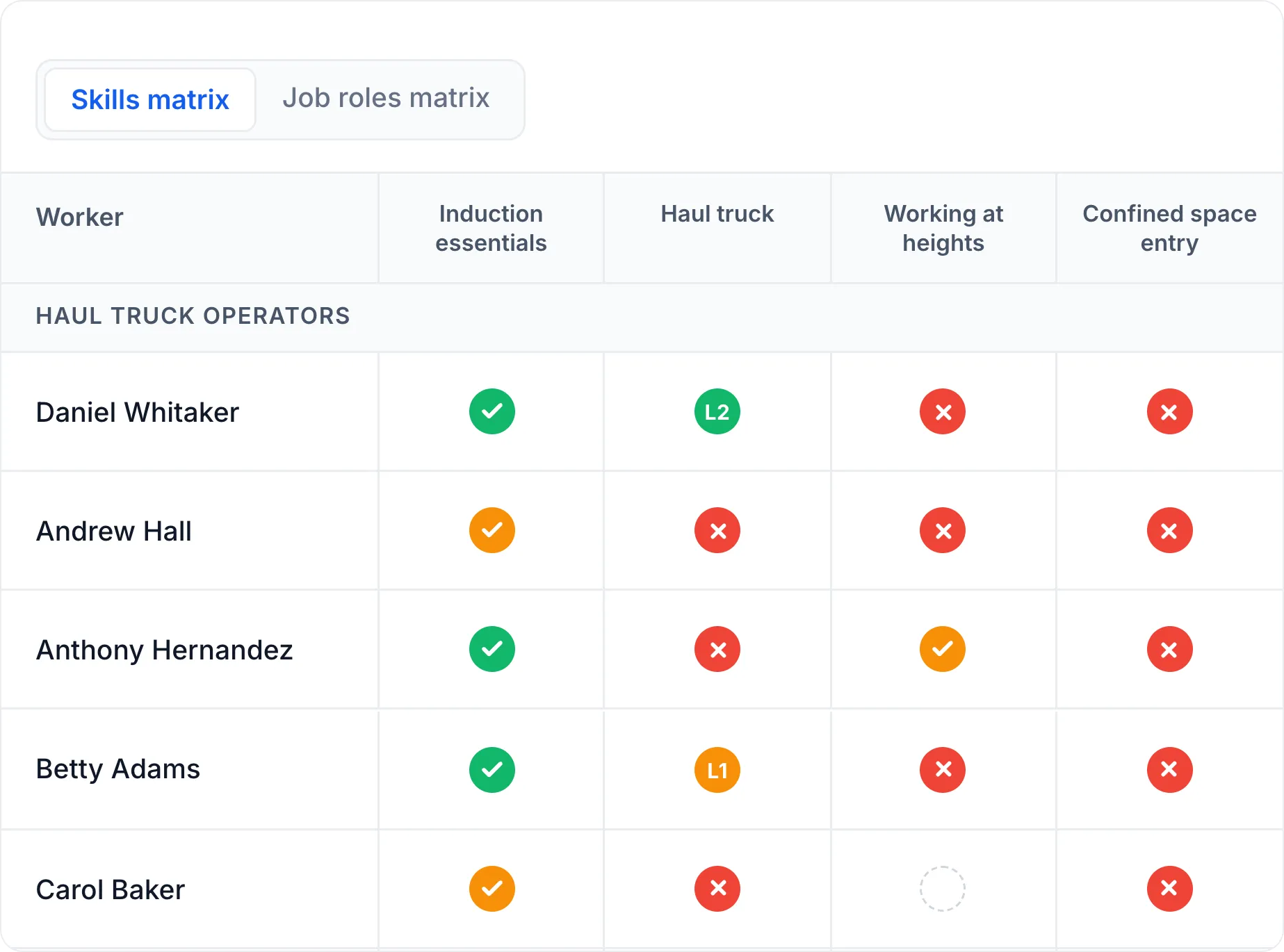
See every gap, every expiry and every role requirement in one live, AI-powered skills matrix. Audit-ready, whichever regulator you answer to.
Frequently Asked Questions (FAQs)
FAQs About Online Assessment Tools
What is the primary difference between an online assessment tool and an assessment platform?
An online assessment tool focuses on creating and delivering assessments, typically through quizzes or surveys. An assessment platform, however, provides broader functionalities, including managing overall assessments, tracking learner progress, and offering comprehensive reporting and analytics, often integrating with other organisational systems.
Can online assessment tools be used offline?
Some tools, like Cloud Assess, offer offline capabilities, allowing assessments to be completed without an internet connection and synced once online. However, many tools like Google Forms and SurveyMonkey require an active internet connection.
How do I choose the right tool for my organisation?
Consider your specific needs, including the type of assessments you plan to conduct, the size of your team, integration requirements, and budget. Additionally, evaluating the ease of use, customisation options, and available support will help narrow down the best tool for your organisation.
Are there free options available for online assessments?
Yes, tools like Google Forms, Microsoft Forms, and SurveyMonkey offer free versions with basic features, making them suitable for individuals or small teams with straightforward assessment needs.
How do these tools handle data security?
Data security varies by tool. Microsoft Forms, for instance, benefits from Microsoft’s robust security infrastructure. When selecting a tool, ensure it complies with your organisation’s data protection policies, particularly if handling sensitive or confidential information.