

Best Learning Management Systems for Corporate Training
#1 Cloud Assess

Cloud Assess is a flexible, cloud-based LMS built for frontline training and deskless workers. With an intuitive, mobile-optimised interface, teams can start training in just two clicks on any device. The platform automates enrolments, notifications, and compliance tracking, saving time and reducing admin. It also helps businesses identify and address critical skill gaps to ensure workforce competency.
The platform is also designed for on-the-job training, offering digital checklists, real-time evidence gathering, and safety audits. It simplifies onboarding with automated, role-based inductions and provides real-time dashboards for instant insights.
With compliance tracking, upskilling tools, and seamless training integration, Cloud Assess keeps your workforce competent and compliant—all within the flow of work.
Key Features
- Mobile friendly
- Offline Access
- SCORMx API compliance
- Custom branding
- Automated enrolments
- Compliance tracking
- Simplified inductions
- Role cloning
- Digital checklist
- Real-time evidence gathering
- Skills matrix
- Safety audits
- Competency verification
- Instant insights
- Real-time dashboards
- Micro-credentials
- Extensive course-library
Pros
- Mobile-friendly design and offline learning capabilities make for efficient on-the-job training
- Workflow automation to save time and minimise administrative burden
- Digital checklists and real-time evidence gathering to streamline audits and compliance tracking
- Role-based inductions and training automation simplify employee onboarding
- Assessment tools accommodate different learning styles and multimedia content
- Seamless integration connects with HR, payroll, and SMS platforms
- Gamification and digital badges to enhance engagement and motivation
Key Features
- AI-driven personalisation
- Social learning features
- Compliance training
- Integration with HR tools
- White labelling
- Gamification
Pros
- Make the most of personalisation to enhance learner engagement.
- Scalable and flexible to suit growing business needs.
- Focus on social learning and collaboration between learners.
Cons
- Unsuitable for small businesses.
- Expensive entry-level package.
- Complex features require a steep learning curve.
- Customisation options can be overwhelming if you don’t have IT specialists.
Pricing
With pricing starting at $25,000 per year, based on a 3-year contract, Docebo’s learning management system will be out of many SMEs’ budgets.
Rating
4.3/5 (average rating from Capterra, GetApp and Software Advice)
#4 LearnUpon

LearnUpon is another good option for large businesses. The learning management system helps companies to create multiple instances for training. This makes it easy to provide different learning materials to unique audiences. You can, for example, have one instance of the learning platform set up for your employees, and another for your customers. Alternatively, you can use this feature to provide custom training for different teams within your business.
While this feature is useful for large companies, small and medium businesses will find it less effective for their training programs. LearnUpon also has a less intuitive user interface than other corporate learning management systems, making it more difficult to adopt.
If the cons of using the platform outweigh the pros for your business, you may want to consider these LearnUpon alternatives.
Key Features
- Multiple instances
- Gamification
- Social learning tools
- User segmentation
- Automated user enrollment
Pros
- Offers multiple customisable instances to target different audiences.
- Strong customer support and community.
- Allows for blended learning and mobile support.
Cons
- Users say the platform is expensive when compared to other LMS options.
- Less intuitive than competitors.
- Reporting could be more flexible
- Users report slow load times during high usage periods.
Pricing
LearnUpon offers three employee training plans. Pricing is not directly available on their website.
Rating
4.8/5 (average rating from Capterra, GetApp and Software Advice)
#5 SAP Litmos
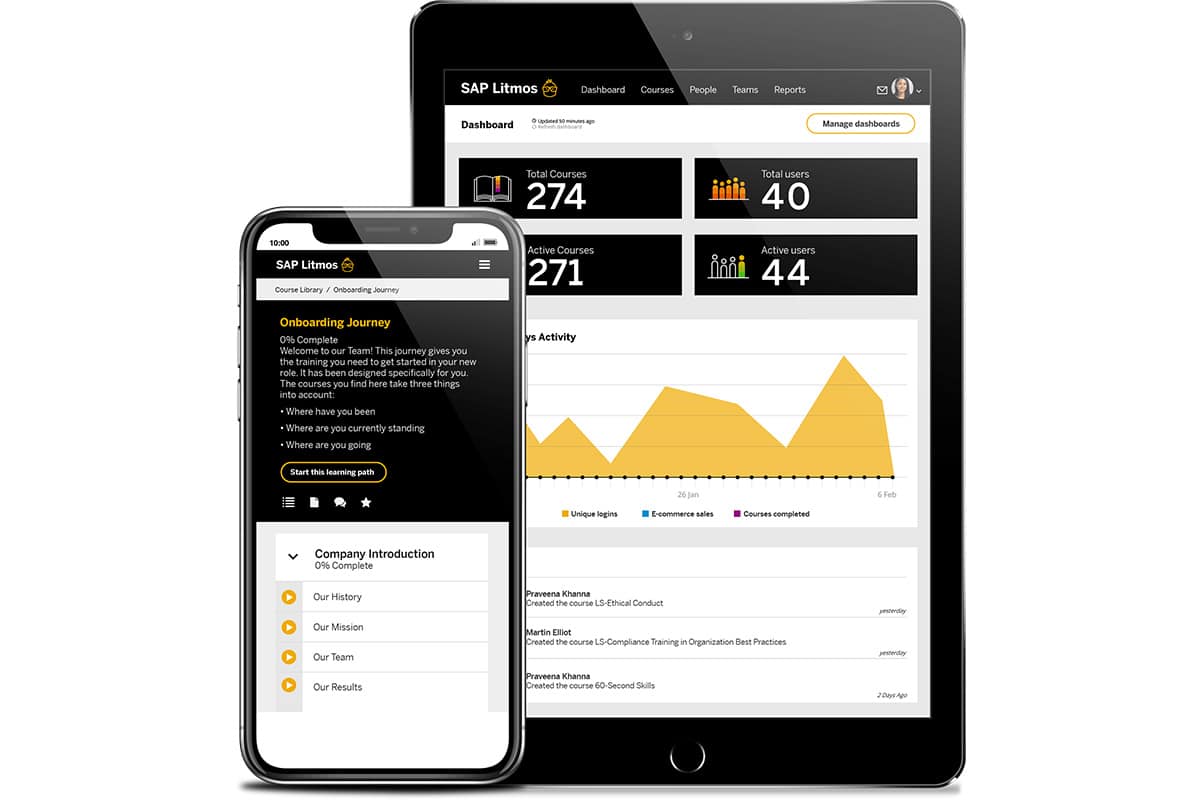
Litmos is quick and easy to both set up and use. This makes it a good option for companies that are starting out with corporate learning management. They can create courses quickly, and adjust them as necessary later. Companies that use Salesforce will also find that it integrates well with the online learning platform. This makes Litmos a good choice for delivering sales and customer service training.
Where Litmos falls short as a corporate learning management system is in its customisation. There aren’t many branding and white-labelling options available to businesses. The reporting and analytics options are also basic, making it difficult to get detailed insights into your online training programs.
Key Features
- Quick content deployment
- Salesforce integration
- Automated notifications
- Extensive content library
- Compliance management
Pros
- Quickly and easily create and deploy training materials.
- Good integration with Salesforce and other CRMs.
- Strong compliance features and course tracking.
Cons
- Limited customisation options compared to other corporate LMS software.
- Few advanced options for reporting and analytics.
- Users report that the interface feels dated.
Pricing
Pricing for the learning management system isn’t available on the Litmos website, but they do offer a free trial.
Rating
4.2/5 (average rating from Capterra, GetApp and Software Advice)
#6 iSpring Learn
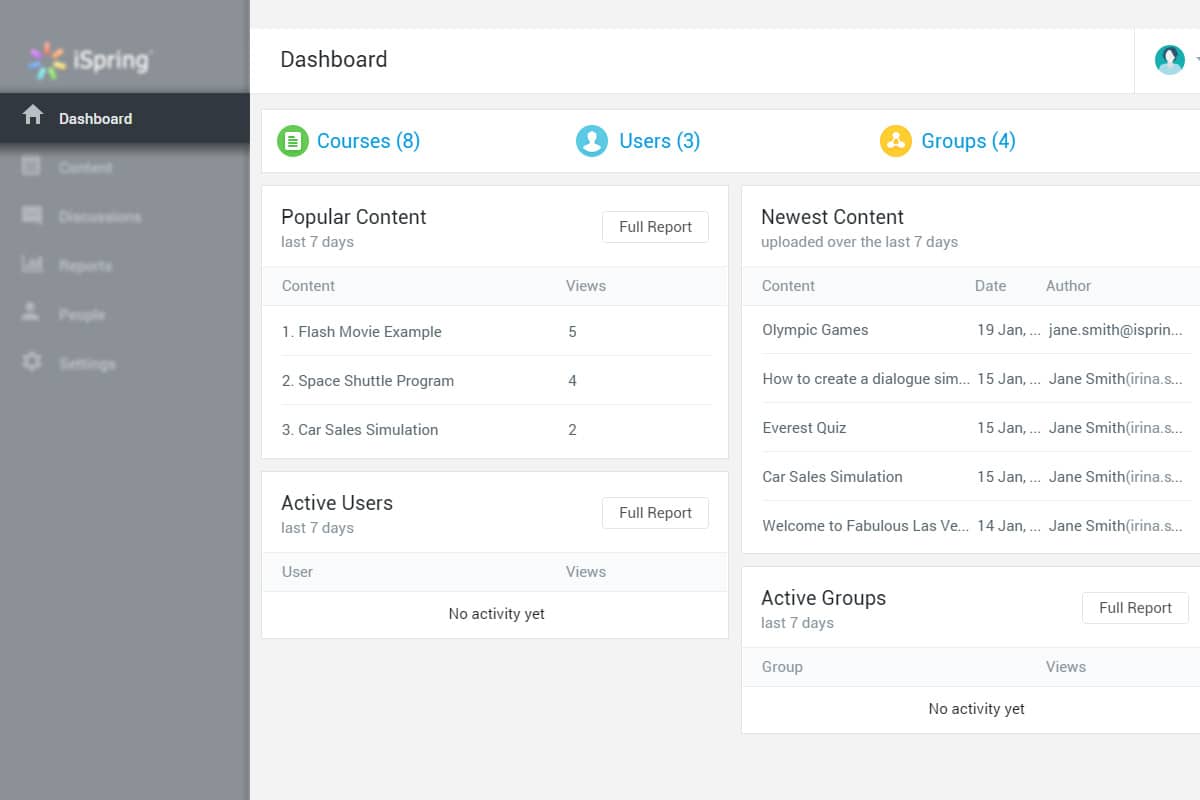
If your company uses Microsoft tools, then iSpring Learn is a good option for training. It’s one of the corporate learning platforms that specialise in doing more with the tools you have. A perfect example is that iSpring makes it easy to turn PowerPoint presentations into online training courses. This simplifies the creation of training content, speeding up the process of adopting iSpring Learn into your training program.
If you aren’t using a Microsoft environment, however, iSpring Learn is significantly more difficult to implement. Its desktop version is only available for Microsoft, and the mobile app doesn’t offer nearly as much functionality.
Key Features
- PowerPoint integration
- Video conferencing
- Detailed reporting
- eCommerce functionality
- Personalised learning paths
Pros
- Provides an affordable pricing structure.
- Offers seamless integration with Microsoft apps like PowerPoint.
- Simplifies the content creation process for Microsoft users.
- Provides an eCommerce platform for businesses to resell online courses.
Cons
- Only compatible with Microsoft environment.
- Limited customisation options for the user interface.
- The eCommerce platform is basic compared to other LMS platforms.
Pricing
Pricing for iSpring Learn starts at $2.29 per user per month, making it an affordable corporate LMS. They also have a free trial available on their website.
Rating
4.65/5 (average rating from Capterra, GetApp and Software Advice)
#7 Adobe Learning Manager
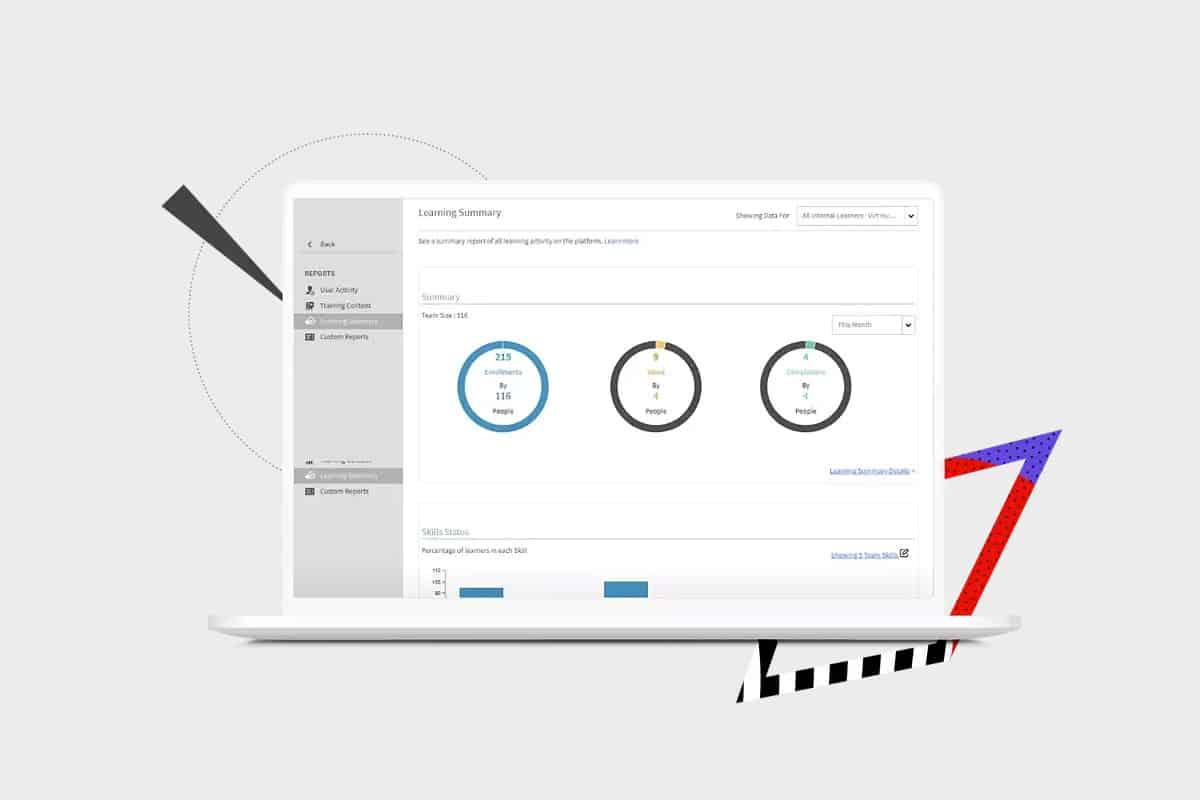
In the same way that iSpring Learn works well with Microsoft, Learning Manager is a good option for those already invested in the Adobe ecosystem. It integrates well with other Adobe solutions, including Experience Manager Sites and Marketo Engage.
Even for businesses not using Adobe in other areas of their business, the LMS platform provides a sophisticated training platform. It offers advanced reporting features and tracking capabilities and is easily scalable to meet growing business needs. However, it offers fewer customisation options than alternative platforms and reportedly comes at a high price point.
Key Features
- AI-based recommendations
- Skill-based learning paths
- Integration with Adobe ecosystem
- Mobile learning
- Gamification
Pros
- Great reporting, analytics and progress-tracking features.
- Integrates well with Adobe Creative Cloud and other Adobe products.
- Scalable and flexible for different business and learning needs.
Cons
- Few customisation options.
- Users report that the LMS system is costly compared to competitors.
- Reliance on the Adobe ecosystem can be challenging for businesses that aren’t familiar with Adobe products.
- Complex features have a steep learning curve.
Pricing
Pricing for Adobe Learning Manager is not available on their website.
Rating
4.3/5 (average rating from Capterra, GetApp and Software Advice)
#8 Absorb LMS

Absorb LMS is another corporate LMS that makes good use of artificial intelligence in training. It leverages AI for automation and to personalise learning paths, allowing businesses to adopt dynamic training processes. With an intuitive user interface and blended learning options, Absorb is a good choice for helping employees engage with your course content.
When it comes to customisation and reporting, however, Absorb doesn’t offer many options for businesses. The time and money that companies are able to save on administration is instead spent hiring technical experts to make the platform their own. Users have also found that the customer support from Absorb can be unreliable.
Key Features
- AI capabilities
- Automated administration
- eCommerce options
- Learner engagement tracking
- Social learning
Pros
- An intuitive user interface makes for an engaging learning experience.
- Leverages AI to save administrators time and effort.
- Offers personalised learning paths guided by AI recommendations.
Cons
- Customisation may require technical implementation.
- Limited reporting options.
- Users report unreliable customer support.
Pricing
Pricing for Absorb LMS isn’t available on their website. However, they do offer a free trial.
Rating
4.5/5 (average rating from Capterra, GetApp and Software Advice)
#9 360Learning
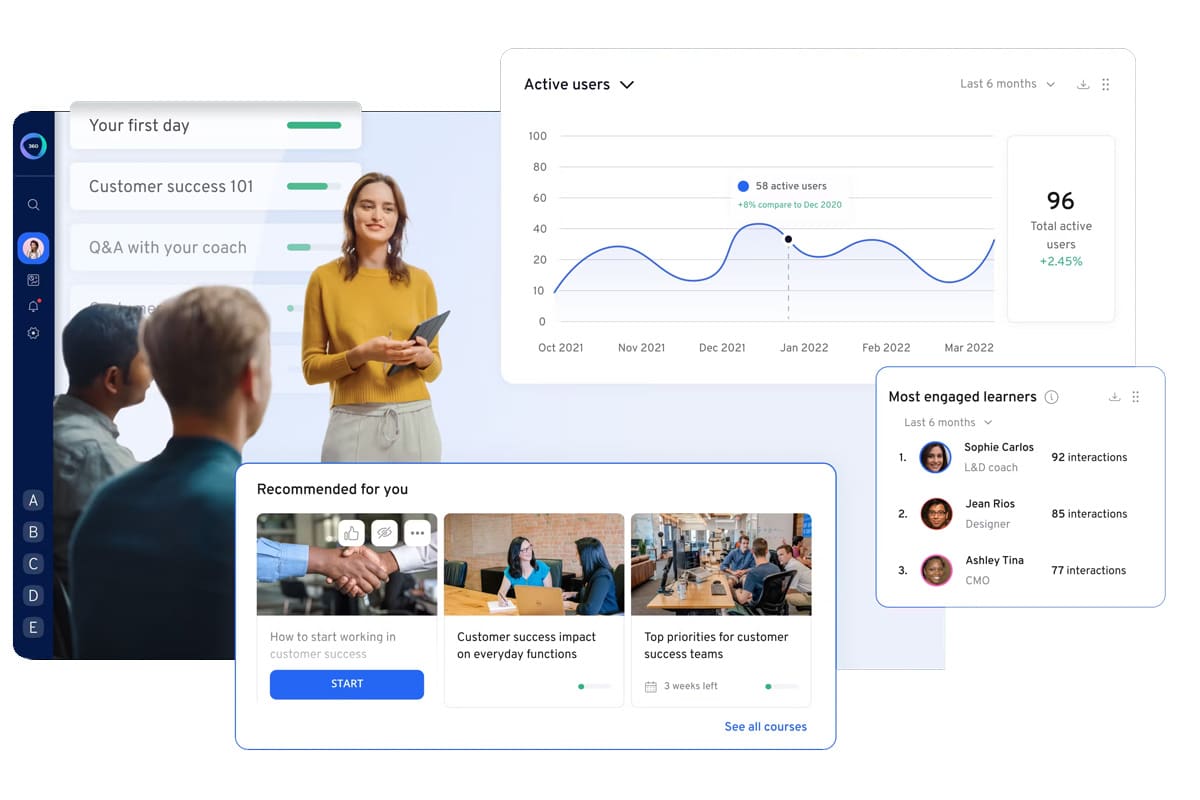
Where many other corporate LMS platforms include collaborative features, 360Learning specialises in providing businesses with a collaborative learning environment. Anyone in your business can create online courses, not just administrators. This makes it a good option for companies that want to prioritise knowledge sharing, peer learning and teamwork.
This being said, not all businesses find that collaborative learning fits into their training process. If you’re looking for an LMS that offers a structured approach to course creation, other platforms on this list will likely be a better fit. 360Learning also offers limited customisation features and only basic course creation options.
Key Features
- Collaboration tools
- User-generated content
- Gamification
- Personalised learning paths
- Real-time feedback
Pros
- Allows any employee to create online courses, promoting knowledge sharing.
- User-friendly UI encourages active participation.
- Provides a great learning community with real-time feedback and social learning tools.
Cons
- Offers limited customisation options.
- Doesn’t easily allow for advanced course content creation.
- Not suited to a structured or traditional learning experience.
- Offers less control over content creation.
Pricing
Pricing for 360Learning LMS starts at $8 per user per month. A free trial is also available on their website.
Rating
4.7/5 (average rating from Capterra, GetApp and Software Advice)
#10 Tovuti LMS
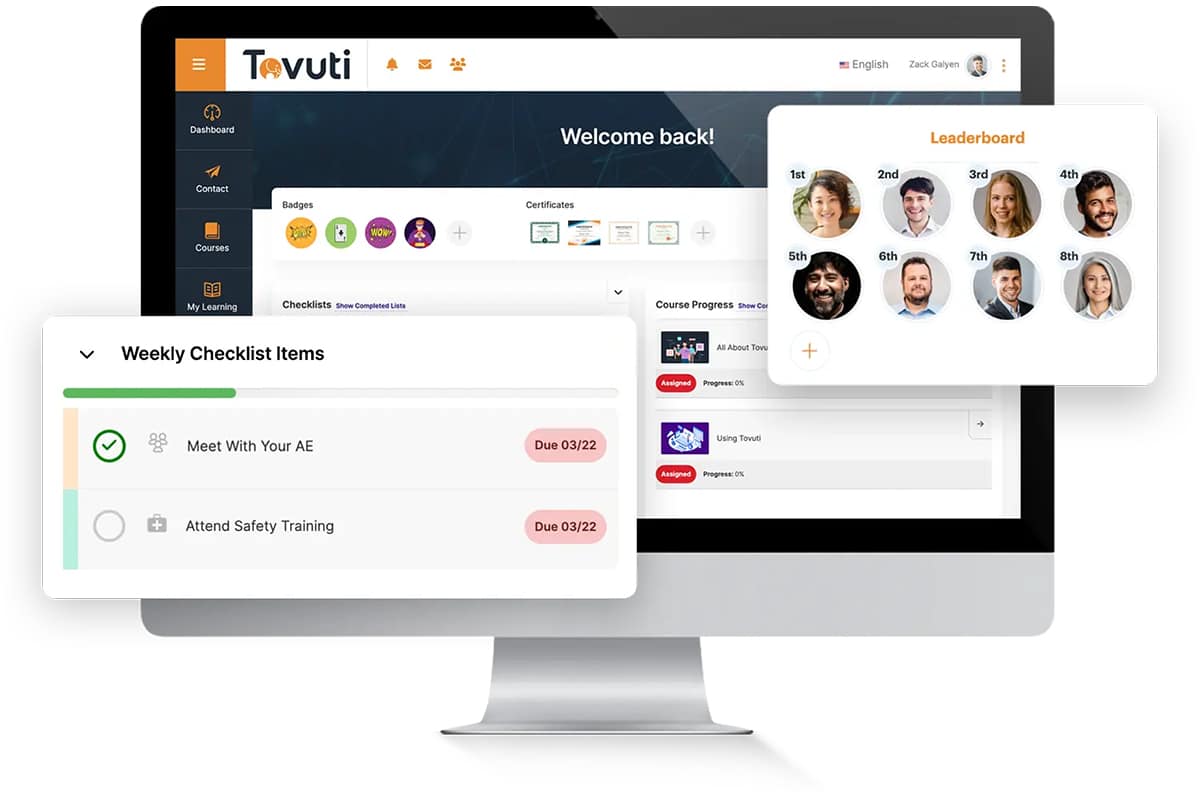
Tovuti LMS is a good platform for businesses that want to adopt blended learning into their training processes. The corporate LMS provides interactive features that accommodate different learning styles. It also incorporates gamification to increase employees’ engagement with online courses. With extensive customisation options and training tracking software that provides detailed analytics, Tovuti offers a great experience for both learners and instructors.
However, the advanced features that the corporate LMS provides are also confusing and complex to set up. With user support only being available over email, it can also be difficult for companies to get reliable assistance when they need it.
Key Features
- Interactive content
- Microlearning
- Social community features
- Gamification
- User management
Pros
- Features for creating interactive and engaging learning experiences
- Strong gamification to boost learner engagement.
- Extensive reporting and analytics capabilities.
Cons
- Setup can be confusing and complicated.
- The number of features can become overwhelming.
- Customer support is only available over email and response time can be unreliable.
Pricing
Pricing for Tovuti LMS isn’t readily available on their website.
Rating
4.7/5 (average rating from Capterra, GetApp and Software Advice)
Download Your Free Workplace Training LMS Selection Checklist
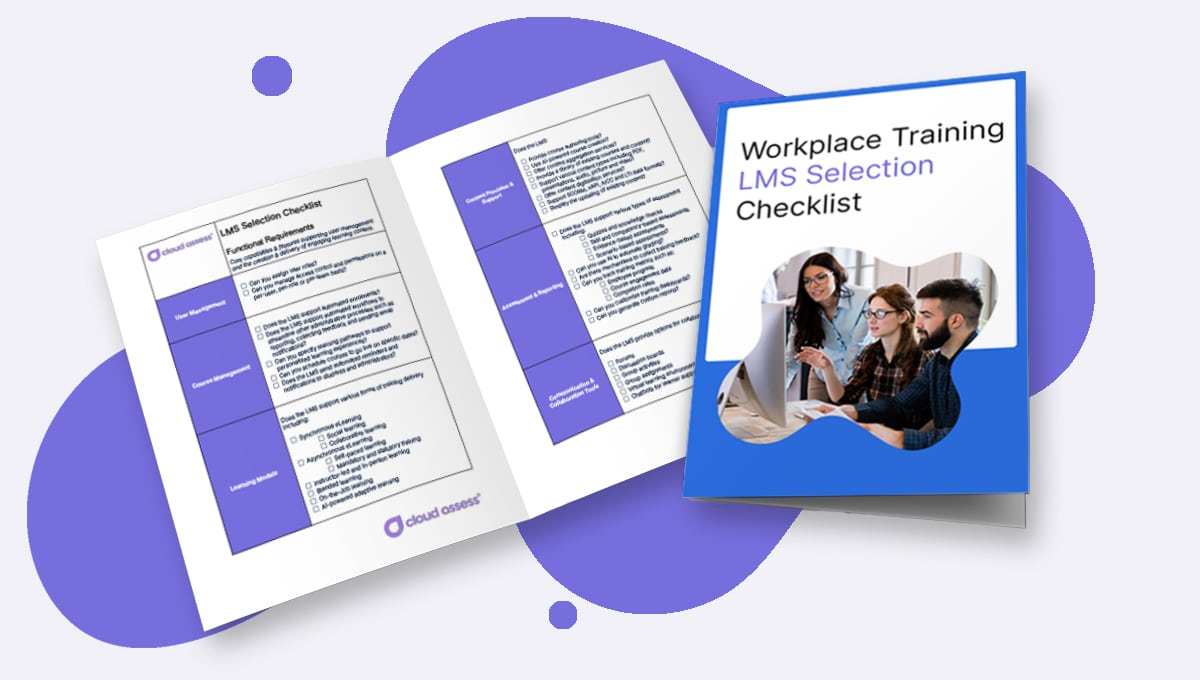
No two businesses will have the same needs from their LMS. However, we’ve made it easy for you to find a learning management platform that meets your unique needs. Our free, downloadable LMS checklist will help you track the key features of different platforms, ensuring the LMS you choose will be the right fit for your organisation. Download the Workplace Training LMS Selection Checklist today.



