

Training videos have become a core part of workplace learning and development. They offer a practical way to share knowledge and demonstrate processes. They also help maintain consistent standards across teams. For employees, video training is often the most reliable way to access consistent guidance. It allows them to do so without needing to step away from their workstations or schedules.
Creating effective training videos takes planning and a clear understanding of how people learn. From defining goals to choosing the right format, each stage plays a role in making digital learning content relevant, accurate, and easy to apply on the job.
In this blog, we’ll explore:
- What employee training videos are
- Why video-based training is critical in modern workplaces
- The different types of training videos and when to use them
- A step-by-step process for creating effective videos
- Common challenges and how to solve them
What is an Employee Training Video?
A training video is a digital learning resource designed to deliver structured instruction. It presents information through a combination of visuals, audio, and text. This approach explains processes, demonstrates tasks, and communicates essential workplace knowledge.
Each video is planned around specific learning goals. It usually follows a defined sequence that includes an introduction, a demonstration, and a summary. This structure ensures information is presented clearly and consistently.
Why Training Videos are Essential for Employee Training
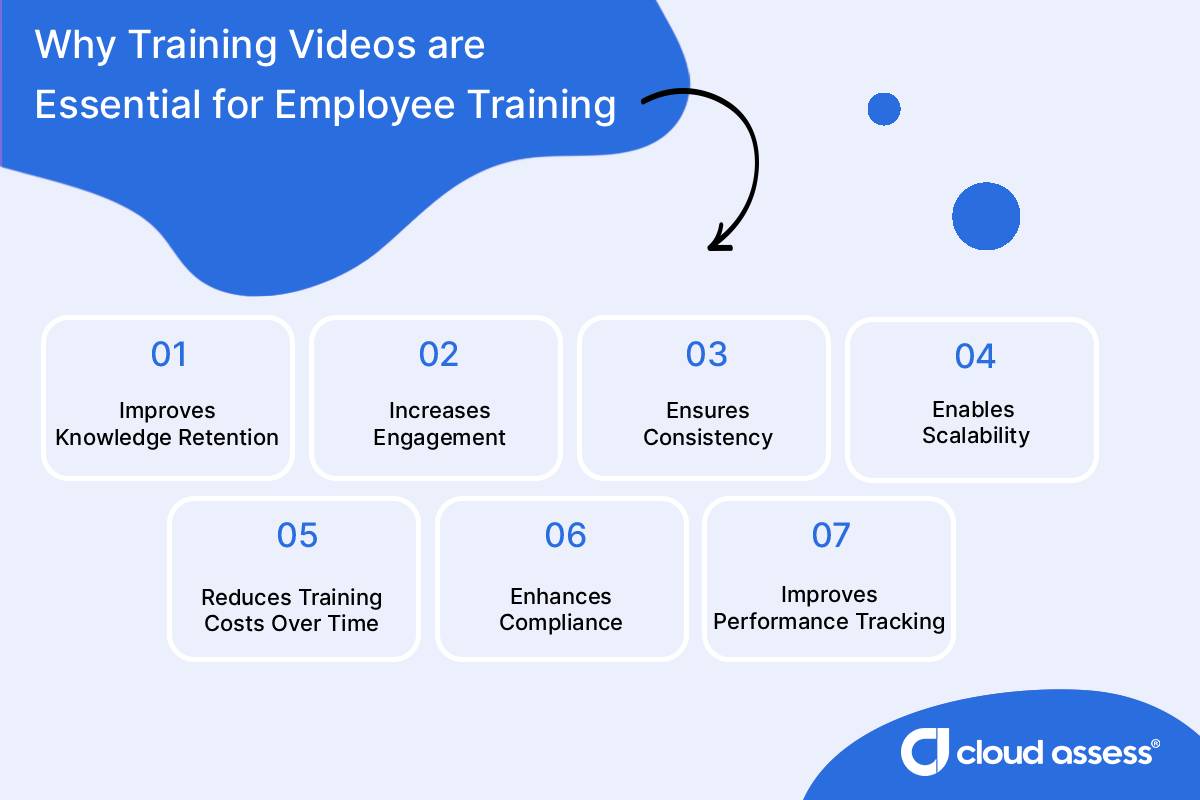
Improves Knowledge Retention
Video-based training helps improve knowledge retention. The combination of visuals, audio, and movement supports how people process and recall information. Seeing a process demonstrated while hearing an explanation creates stronger cognitive links. As described by dual coding theory, information presented via verbal and visual channels is easier to remember. This makes it easier for employees to remember details and apply them accurately at work.
Increases Engagement
Training videos capture attention more effectively than text-heavy materials or static presentations. They use storytelling, visual cues, and pacing to keep learners focused throughout the session. Adding short quizzes, reflection pauses, or branching scenarios encourages active participation. It also helps learners stay involved from start to finish.
Supports Self-Paced Learning
Training videos give employees control over when and how they learn. They can access training material at the point of need, whether during a quiet moment on shift or between tasks. The flexibility offered by self-directed learning is valuable in workplaces that operate around the clock. Or organisations that have distributed teams.
Employees can also move through the material at their own pace. They can pause or revisit sections to reinforce understanding. This approach accommodates different types of learning styles and preferences. It also helps ensure that every employee masters the content before applying it in their role.
Ensures Consistency
Training videos allow organisations to deliver the same information to every employee. This remains consistent regardless of role, location, or trainer. This consistency ensures that safety standards and procedures are clear to everyone. It also makes sure key messages reach all employees across departments and locations in the same way. Once an organisation produces a video, they can use it repeatedly without any variation in delivery or interpretation.
Enables Scalability

Video-based training makes it easier to scale learning across growing or distributed teams. Instead of arranging multiple in-person sessions, organisations can distribute videos through digital learning platforms. Or they can use internal systems, reaching large groups quickly and efficiently. This scalability supports standardised training for new hires, seasonal staff, and global operations.
Reduces Training Costs Over Time
Producing training videos requires an initial investment. But the long-term costs are far lower than recurring in-person sessions. A single video can be reused across departments. It can also be used in future training cycles without extra facilitator time or venue expenses. Digital distribution removes costs tied to travel, printed materials, and scheduling. Updates can be made quickly to individual sections. This keeps training accurate and cost-effective as procedures change.
Enhances Compliance
Training videos help organisations get a handle on compliance management by meeting regulatory and policy requirements. They ensure all employees receive the same information. Standardised video content eliminates inconsistencies that can occur in live sessions. It provides a reliable record of what organisations taught workers and how it aligns with compliance standards.
Improves Performance Tracking
Video-based learning platforms make it easier to monitor completion rates and learning outcomes. Built-in analytics can show who has completed required modules and how they performed on various types of assessments. They also show where additional support might be needed. These insights help learning and development teams evaluate training effectiveness. They also support accountability across the workforce.
Types of Employee Training Videos

Onboarding and Orientation Videos
These videos introduce new employees to the organisation, its values, and workplace expectations. They help new hires feel prepared and connected from day one. They often include:
- Overviews of company policies
- Introductions from leadership
- How-to videos on essential procedures
- Insights into workplace culture or benefits
Compliance and Safety Training Videos
Compliance videos communicate mandatory information about regulations, safety standards, and organisational policies. They ensure employees understand the correct procedures. They help organisations demonstrate compliance with industry requirements. They typically feature:
- Visual demonstrations of safe work practices
- Step-by-step instructions for handling incidents or emergencies
- Explanations of relevant legal or compliance obligations
Skill-Based or Technical Training Videos

Skills-based learning videos teach employees how to perform specific tasks or operate tools and equipment. They combine demonstration and narration. This approach makes complex concepts or technical information easier to understand. Common examples include:
- Equipment operation tutorial videos
- Software and digital tool walkthroughs
- Maintenance or troubleshooting guides
Leadership and Soft Skills Development Videos
These videos focus on interpersonal and professional skills development. They help employees build communication, teamwork, and leadership capabilities. These workplace skills, in turn, support long-term career growth. They often cover:
- Communication and conflict resolution
- Coaching and performance management
- Decision-making and team collaboration
Scenario-Based or Simulation Videos
Scenario-based learning videos recreate real workplace situations to help employees practise decision-making and problem-solving. Learners watch events unfold and choose actions or responses, allowing them to apply knowledge in context. Examples of these interactive training videos include:
- Customer service interactions
- Safety and emergency response
- Ethical or compliance-based scenarios
Product or Service Training Videos
These videos train employees on a company’s products or services. They help improve knowledge and customer communication. They’re often used by sales, support, and frontline teams. They usually include:
- Product feature demonstrations
- Usage and maintenance instructions
- Customer interaction examples
When to Consider Video-Based Training
- When onboarding new employees at scale
- When your workforce is remote or distributed
- When you need consistent and repeatable training
- When employees prefer on-demand learning options
- When launching new products, services, or procedures
- When reminding employees of key steps or standard operating procedures
- When in-person training costs are too high
- When you want to increase engagement in learning
How to Create Effective Training Videos
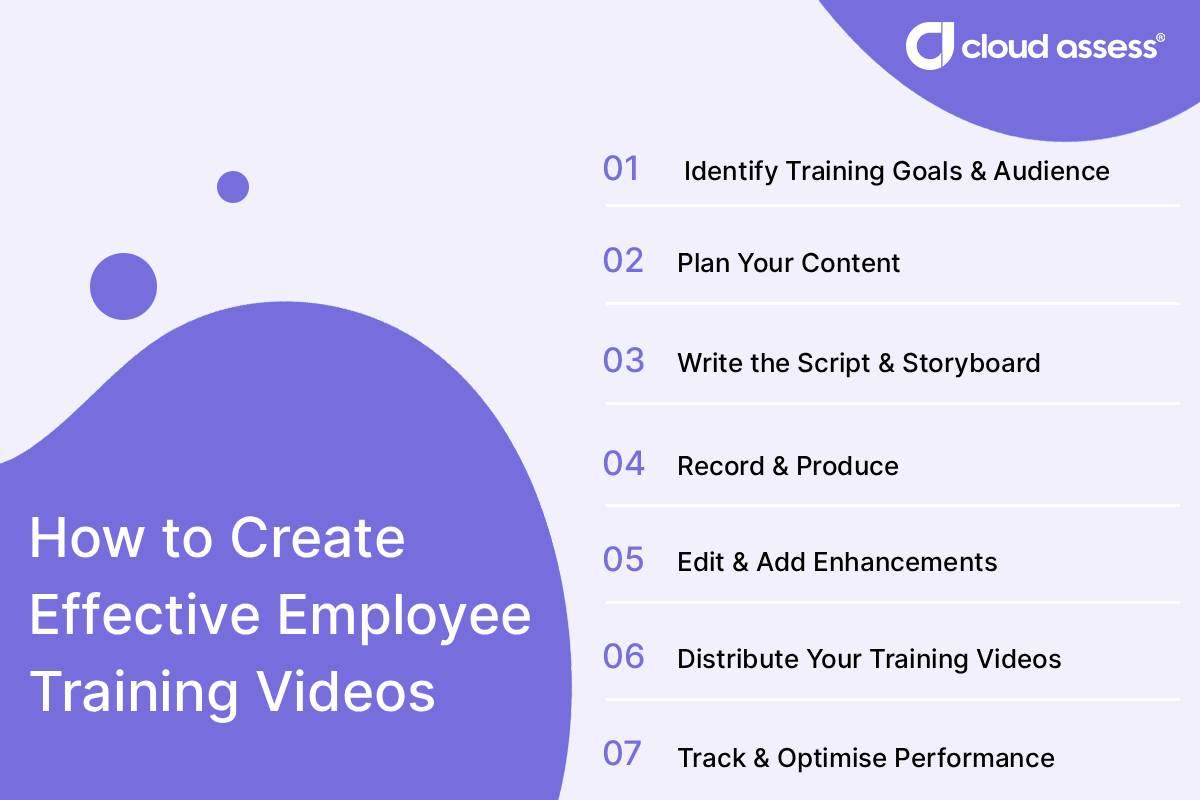
1. Identify Training Goals and Audience
Start by defining exactly what you want employees to learn. Clarify the purpose of the video. Is it to teach a process, reinforce compliance, or introduce a new system? Each goal will shape your training video production and delivery style.
Then, consider who your audience is. Think about their job roles, skill levels, and work environments. Frontline workers, for example, often need short, focused training videos that fit into busy shifts. But office-based teams may benefit from longer video training sessions. Knowing your target audience ensures your training content is relevant, engaging, and practical.
2. Plan Your Content
Outline the key topics your video training program will cover and decide how they’ll be structured. Keep the scope focused on one main objective per video. Create a logical flow, from introduction, to demonstration, to summary, so viewers can follow each how-to video easily.
This is also the stage to gather any materials you’ll need, such as visuals, screenshots, or workplace footage. Planning ahead helps prevent missed details and makes production more efficient.
3. Write the Script and Storyboard
Write a clear, conversational video script that matches how people communicate at work. Avoid jargon unless it’s necessary for the role, and keep sentences short and direct. Break the script into short scenes so you can plan visuals alongside the narration or voice-over.
A simple storyboard helps visualise how your employee development videos will look before filming. Sketch or list the visuals, including any screen recordings, animated videos, or B-roll footage you plan to use. This step ensures your training materials stay organised and consistent from start to finish.
4. Record and Produce
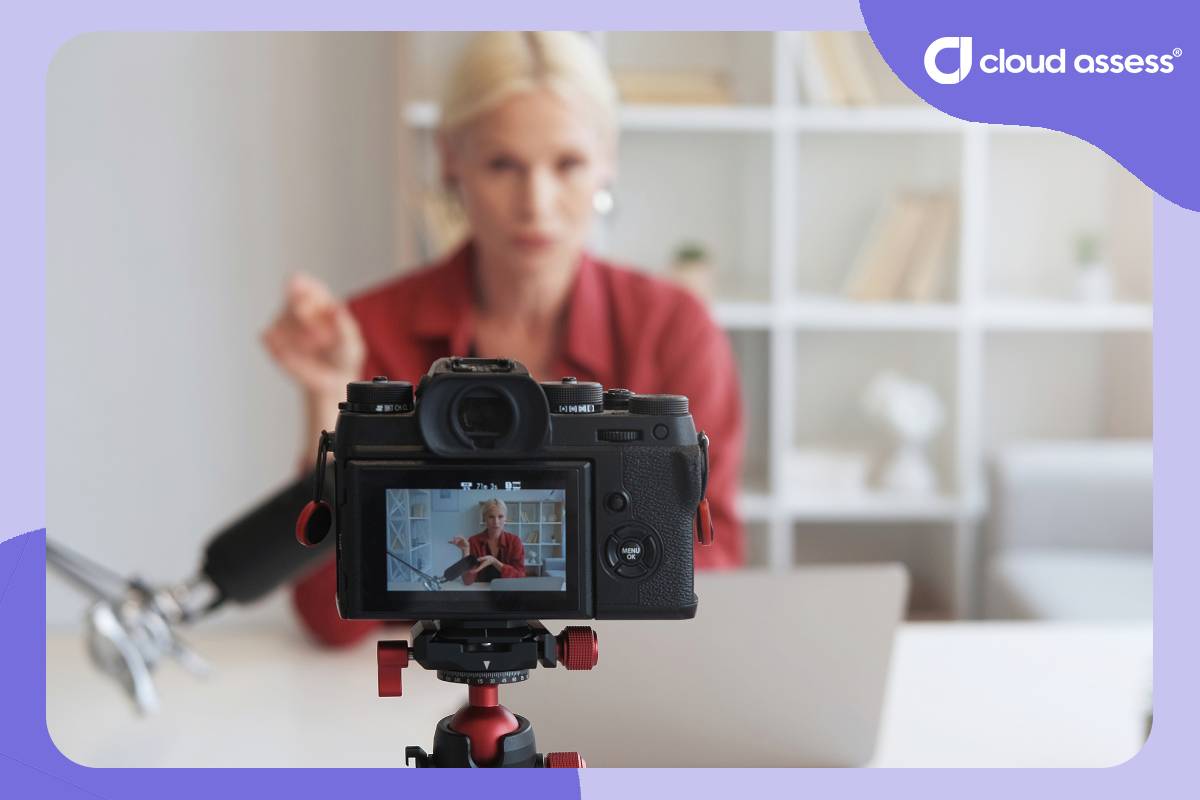
Choose a quiet, well-lit space to film or record screencast videos if you’re demonstrating software. Use a tripod or stable surface to capture smooth footage and check your sound quality before filming.
When recording people, use a natural talking head video style. Authentic delivery keeps your corporate training videos relatable. Record multiple takes if needed and blend in stock videos, also known as B-roll stock footage. Include real workplace clips to create professional-looking videos that reflect your environment accurately.
5. Edit and Add Enhancements
Editing is where your video content comes together. Start to edit videos for unnecessary pauses, add captions, and highlight key points using text overlays. Incorporate interactive elements such as short quizzes or clickable prompts. These help make the experience more engaging.
If you’re using video editing software or AI platforms, take advantage of templates, captions, and filters. These tools help streamline your workflow. Add subtle background music or graphics for visual polish, but focus on clarity over effects. The best engaging training videos are clean, focused, and easy to follow.
6. Distribute Your Training Videos
Once your training videos are ready, upload them to your learning management system (LMS). Organise them by topic, role, or training initiative so employees can easily find what they need. Use clear titles and short descriptions to help employees understand each video’s purpose at a glance. Consider using playlists or learning paths to guide employees through related topics in sequence. Choose the right video format for your platform so files play smoothly across devices and connections.
Make sure to optimise the videos for mobile viewing, especially for frontline and deskless workers who access video learning on the go. Providing flexible access allows employees to learn at their own pace, wherever they work.
7. Track and Optimise Performance
Monitoring engagement helps you measure the effectiveness of your video training program. Most LMS solutions or video platforms come with data analytical tools. These provide training metrics such as video views, completion rates, and quiz results. These insights reveal how employees interact with your content and where you need to make improvements.
Revisit training videos and use this data to update or refine them over time. Refresh outdated examples, and shorten videos that lose engagement. Make sure to expand topics where employees need more guidance. Tracking performance ensures your high-quality training videos stay relevant and effective. It makes sure that you create impactful training videos. It also ensures that the videos stay aligned with organisational goals.
Best Tools for Creating Good Training Videos
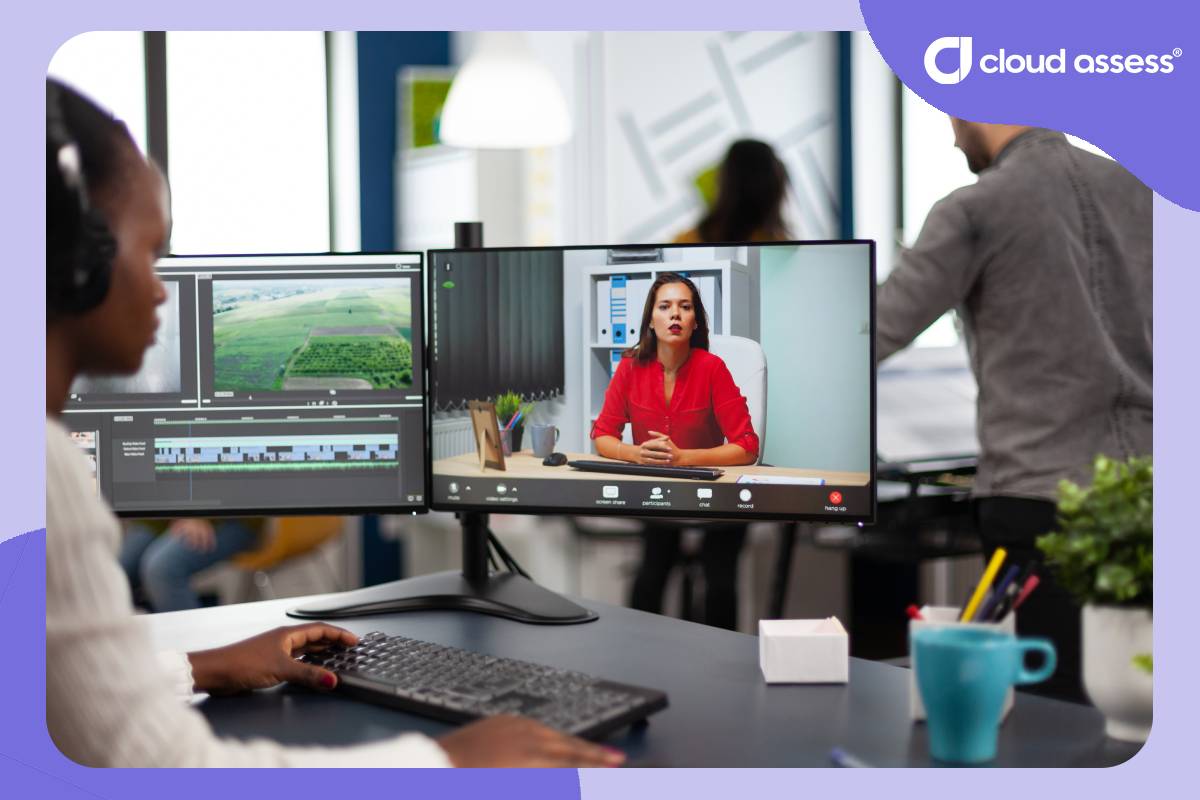
The tools you use can determine how smoothly your training videos come together. The goal isn’t to have the most advanced software. It’s to find options that fit your budget, skills, and production needs.
Most L&D teams use a combination of the following types of training video tools:
- Planning and scripting tools. For writing video scripts, organising ideas, and structuring content.
- Recording tools. To capture on-screen tutorials, talking head videos, or workplace demonstrations.
- Editing tools. For trimming footage, adding captions, and improving audio or visuals.
- Hosting and distribution tools. Such as employee learning management systems for storing and sharing videos.
- Analytics and feedback tools. To track viewing data and gather learner responses.
- Ease of use: Look for intuitive tools your team can learn quickly. A simple setup often leads to more consistent production.
- Integration: Choose tools that work well with your existing systems.
- Scalability: As your training needs grow, your tools should support a larger library of videos. They should also support advanced editing options.
- Collaboration: Tools that allow multiple users to edit scripts, review drafts, or share feedback. These can help streamline production.
- Accessibility features: Captions, transcripts, and templates should be easy to add. They shouldn’t require complex editing.
Challenges and Solutions in Implementing Video Training
Limited Time and Internal Capacity
Training teams often have the expertise to identify learning needs. But they don’t have the time or technical capacity to produce videos regularly. Competing priorities, small teams, and short deadlines can delay content creation or lead to uneven quality.
Solution: Start with realistic production goals. Focus on essential topics first and build your library gradually. Use simple templates, screen recordings, or short talking head clips to save time. When possible, delegate parts of the process, such as scripting or editing, to subject matter experts. Look for AI-based tools to keep production manageable.
Keeping Training Content Updated
Workplace procedures, systems, and regulations change frequently. A video that was accurate last year can quickly become outdated, creating confusion or compliance risks.
Solution: Plan modular videos around single topics or tasks. When updates are needed, you can replace one section instead of re-recording the entire video. Keep a schedule for reviewing and refreshing training materials. Assign responsibility for maintaining version control.
Low Employee Engagement
Even great training videos can fail to connect if they feel too long, too generic, or disconnected from employees’ actual work. When that happens, engagement drops and learning outcomes suffer.
Solution: Keep videos short and relevant, around five to ten minutes per topic. Use familiar workplace examples or real employees to make content relatable. Make interactive videos with interactive elements like quick quizzes, clickable prompts, or discussion follow-ups. These features keep learners involved.
Accessibility and Inclusivity Barriers
Not every employee has the same learning needs or access to the same tools. Audio-only content, unclear visuals, or a lack of captions can make training less effective for many learners.
Solution: Include captions, transcripts, and visual cues in every video. Offer playback controls, translations, or alternative formats like text summaries or illustrated guides. Ensuring accessibility helps every employee learn effectively, regardless of ability or environment.
Technical Limitations and Bandwidth Issues
Limited internet access or older devices can make video playback unreliable. This is especially true for mobile or remote workers. Large files that buffer or fail to load can discourage participation.
Solution: Optimise video files for lower bandwidth. Test performance on different devices before rollout. Offer offline learning access or downloadable versions for teams in remote locations. If needed, preload videos onto shared devices to guarantee consistent access.
FAQs About Creating Training Videos For Employees
What is the Ideal Video Length for Training Videos?
Keep each video short and focused, around five to ten minutes per topic. If a subject is complex, break it into smaller clips so employees can learn in manageable sections and revisit specific areas when needed.
How Often Should Training Videos Be Updated?
Review your videos at least once a year or whenever workplace procedures, systems, or policies change. For compliance and safety training, update immediately when regulations are revised. This helps maintain accuracy and credibility.
How Can I Make Training Videos More Engaging?
Use a conversational tone, clear visuals, and a simple structure. Include interactive features such as quizzes or scenario questions where possible. Keep the pacing steady, and use examples that reflect real workplace situations to make the content relatable.
Should Training Videos Be Hosted Internally or Publicly?
Host employee-specific content on a secure internal platform or learning management system. This allows you to track engagement and protect sensitive information. Public hosting and YouTube videos can be useful for general product or brand training, but internal materials should remain private.



