

Inducting new employees is an important part of any organisation. The new knowledge, skills, and insights add value to your company. However, new employees lack the know-how of your company’s processes and tools. You will have to conduct induction training for the new hires. Induction training is the focused, initial stage of the onboarding process, aimed at introducing new hires to the company culture, policies, and procedures, typically over a short period.
The 10 best online induction training software may help you with the process with efficiency and accuracy. Discover what they are and what they have to offer.
Top 10 Online Induction Software Solutions



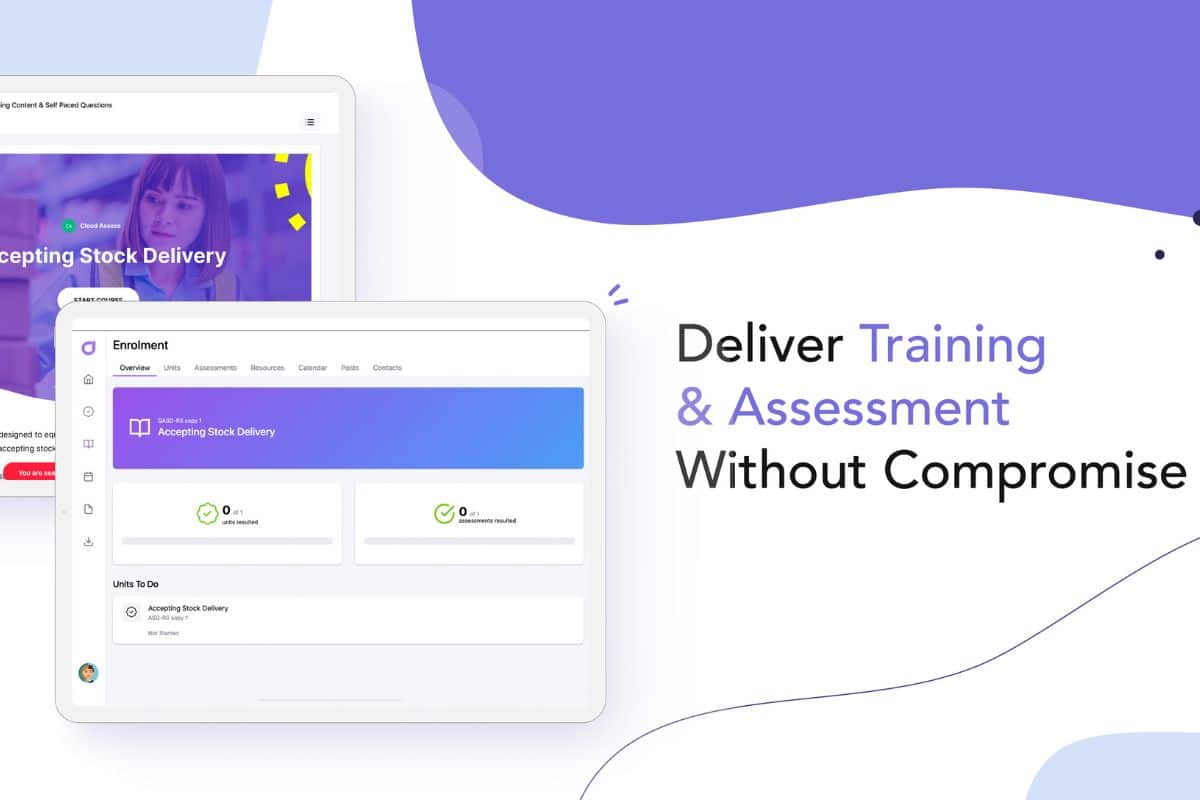
Cloud Assess is a comprehensive online induction training software with assessment tools and tracking features. It is a bespoke solution for induction training as well as other learning programs. Assessment tools allow you to create assessments fit for your training needs. Tracking capabilities also help you see the progress of each new hire during onboarding.
Enrol and support your new team members remotely with Cloud Assess’s bespoke application. Communication channels give you and your new personnel direct access to each other. Enrollment in the induction process only takes a few minutes. Make your induction process streamlined, smooth, and accurate with Cloud Assess.
Key Features
- Friendly Assessment Designer to create tests, surveys, and other assessment tools
- Train on-site with the bespoke mobile app for remote induction procedures
- Hundreds of free learning resources and induction courses in the free course library for further learning and development
- Enrollment management is made easy if you need to release induction content all at once or at a staggered pace
- Built-in training matrix which allows you to keep track of employee’s current progress through the entire onboarding process
Pros
- Free learning content library with hundreds of courses
- Seamless user interface and design layout
- Lag-less navigation and saving capabilities
- Online replacement for paper-based processes
- Easy tracking of user progress, from timeline to course completion
Pricing
Cloud Assess offers an all-inclusive solution for employee training in high-risk, high-compliance industries. Every feature is included from day one, including mobile offline assessment, verification of competency, skills matrix and automated compliance tracking. There are no upgrade paths or feature gates. Visit our pricing page for an accurate quote.
Rating
4.7/5 (average rating from Capterra, G2, GetApp, Software Advice)
#2 Cloud Academy

Cloud Academy is a training and digital skills development platform with induction training capabilities. It focuses on the tech industry and the needs of tech companies with its cloud-based solutions. It delivers role-specific appropriate training on leading clouds (AWS, Azure, Google Cloud Platform), essential methodologies needed to operate on and between clouds (DevOps, security), and capabilities that are unlocked by the cloud (big data, ML/AI, IoT).
Key Features
- Role-based or customised learning paths help track progress and completion
- Easy building of multiple-question exams to reflect the job roles and skills you need
- All-in-one content engine to design training and learning programs
Pros
- Ease of use for learning on cloud solutions and tech
- Accessible and helpful support team
- Excellent audio capabilities for auditory-based learning
- Practical online cloud-based laboratory
- Content library with fluent and knowledgeable instructors
Cons
- Lacks content tracking where it detects content already finished in other courses
- Difficult user navigation on the web
- No offline features
Pricing
Cloud Academy offers individual subscriptions at $39 for a monthly subscription and $25 per month for a yearly subscription. Small teams of two to 15 can get a $65 per user monthly subscription or a $55 per user per month for a yearly subscription. Bigger enterprises must request a demo for custom pricing.
User Volume
Cloud Academy caters to midsize to large enterprises to train, certify, and upskill staff in cloud technologies at scale.
Rating
4.7/5 (average rating from Capterra, GetApp, Software Advice)
#3 Administrate
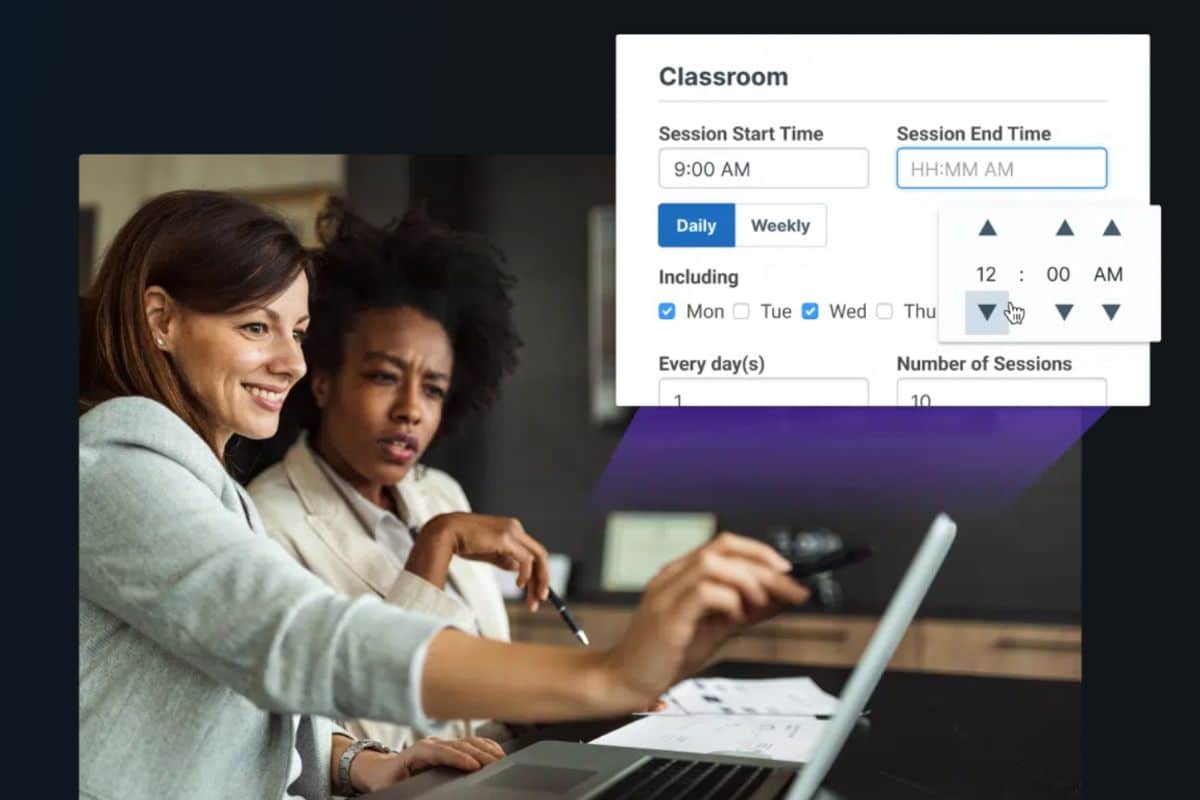
Administrate is a learning management software that aims to fulfil induction training needs. It provides learners with a cloud-based, device-compatible experience that will help them maximise training value. Virtual and blended learning options are available in one platform to afford flexibility in training.
Key Features
- Mobile-ready application that adjusts to any screen size with a friendly user interface
- Easily accessible integrations to popular systems such as Zoom, CloudShare, Xero, and SurveyMonkey
- Create course templates and reuse them as needed for recurring courses such as induction training
Pros
- Strong support for the implementation of the system
- Easy and quick system adoption
- Intuitive platform with smart information linking
Cons
- Time and date stamping system glitches
- Lacking copy features for template building for course design at scale
- Slow and laggy interface, which delays data processing
Pricing
Administrate offers custom pricing depending on your needs. They encourage getting in touch with them for closer correspondence.
User Volume
Administrate offers solutions to organisations prioritising internal training of employees. They also cater to companies that offer customer education, large-scale training, and education delivery.
Rating
4.3/5 (average rating from Capterra, GetApp, Software Advice)
#4 SC Training
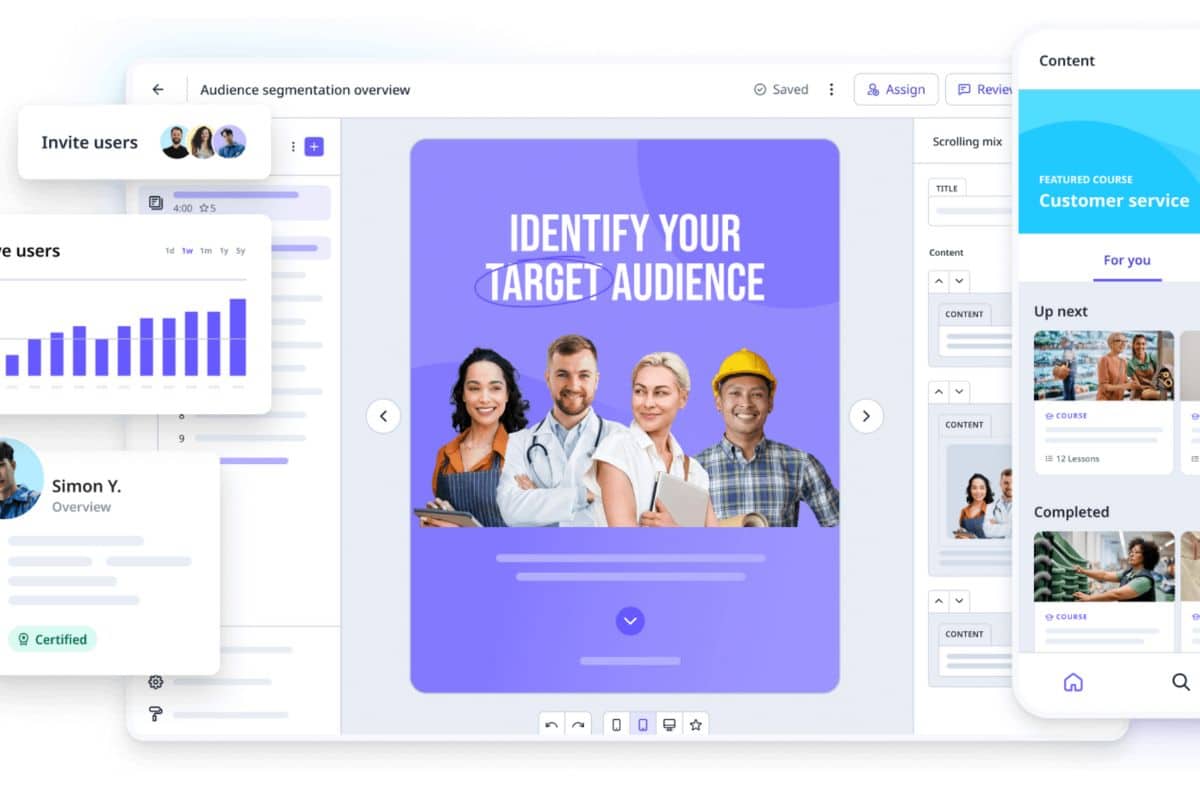
SC Training (formerly EdApp) is an induction training software that provides flexibility and freedom to trainers or managers. You can edit its free course library and customise your lessons and courses. Communication is easy with seamless integration with Zoom or Google Meet. Video meetings can be set up in the platform without switching tools. The video meeting code itself can be linked to relevant courses or material for quick and easy access.
Key Features
- Cross-gadget support on either iOS or Android devices
- Induction training courses made more dynamic with customisable microlearning opportunities from the content library
- Easy setup of virtual classrooms for synchronous learning
Pros
- Extensive learning library for any training need
- Editable content to meet more specific training objectives
- Wide array of options for content presentation such as exercises or games
- Adaptable to any electronic device–from computers to mobile devices
Cons
- Considerable learning curve when designing or creating courses
- Confusing live lesson setup
- Complex formatting in certain areas of the platform
Pricing
SC Training has a free version of the platform and a Premium subscription from $5 per learner per month. The Enterprise tier will cost more, but pricing is upon inquiry.
User Volume
SC Training serves both individuals and companies. It caters to freelancers, small businesses, midsize businesses, non-profit organisations, large enterprises, and public administrations.
Rating
4.6/5 (average rating from Capterra and GetApp)
Already Know SC Training Isn’t Right For You?
We’ve put together a list of alternatives.#5 AcademyOcean
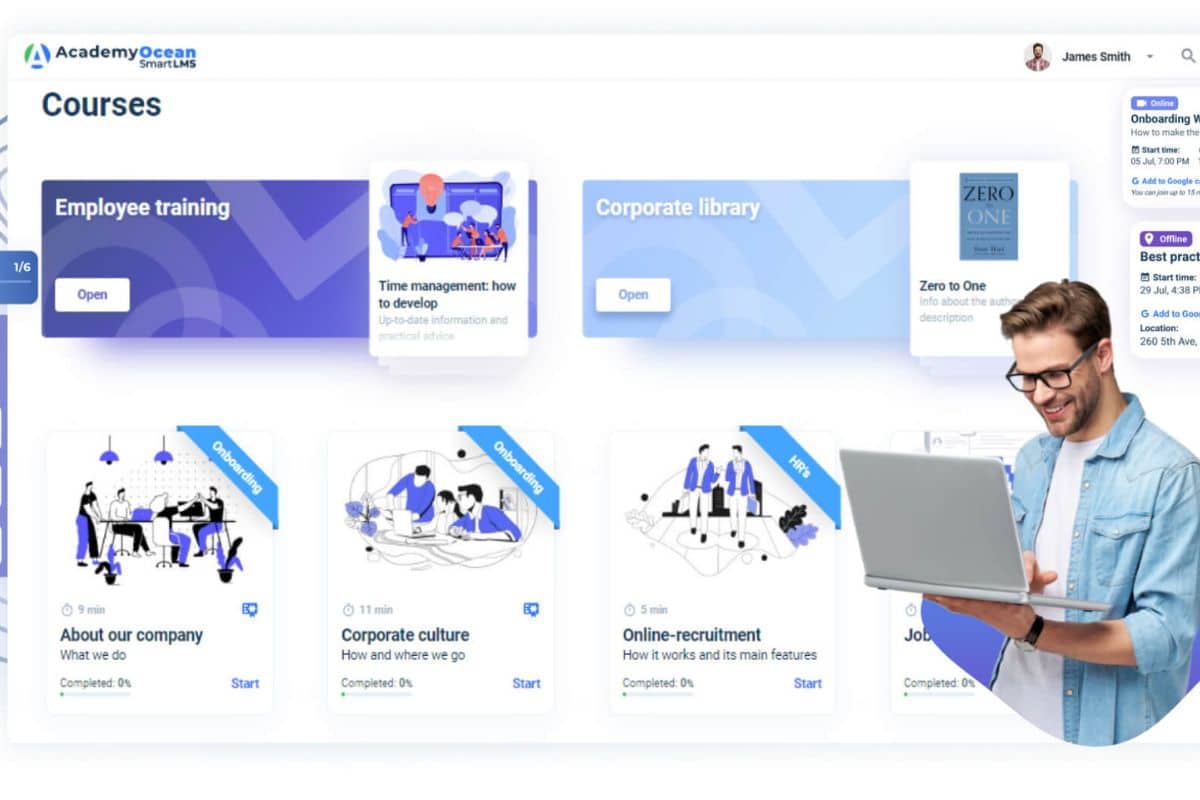
AcademyOcean positions itself as a smart learning management system for businesses. They focus on online induction training, employee training, customer onboarding, and partner training. The platform offers features like gamification, interactive quizzes, and personalised learning paths. It also boasts automated induction processes that should make induction training easier.
Key Features
- Personalised testing features that help gauge a new employee’s knowledge and skills
- Gamification capabilities to award badges, ratings, and other achievements to motivate new personnel
- A WYSIWYG editor allows you to see content from a learner’s point of view
Pros
- Responsive and helpful customer support
- Steady development updates, including new features
- Handle the whole certification process straight in the app
- Elaborate UI/UX and ease of use for admins and learners
Cons
- Lack of integrations for CRM, email marketing, and sales acceleration tools
- Limited selection of customisation options for courses such as fonts and themes
- Buggy text editor
Pricing
AcademyOcean offers four tiers: Standard at $255 per month, Pro at $680 per month, Premium at $2,380 per month, and custom pricing for Enterprises. In addition to the feature set of Pro and Premium, you can also get more features through Add-Ons.
User Volume
AcademyOcean focuses solely on businesses and enterprises. They cater to any company size, from small to large organisations.
Rating
4.9/5 (average rating from Capterra, GetApp, Software Advice)
#6 Trainual
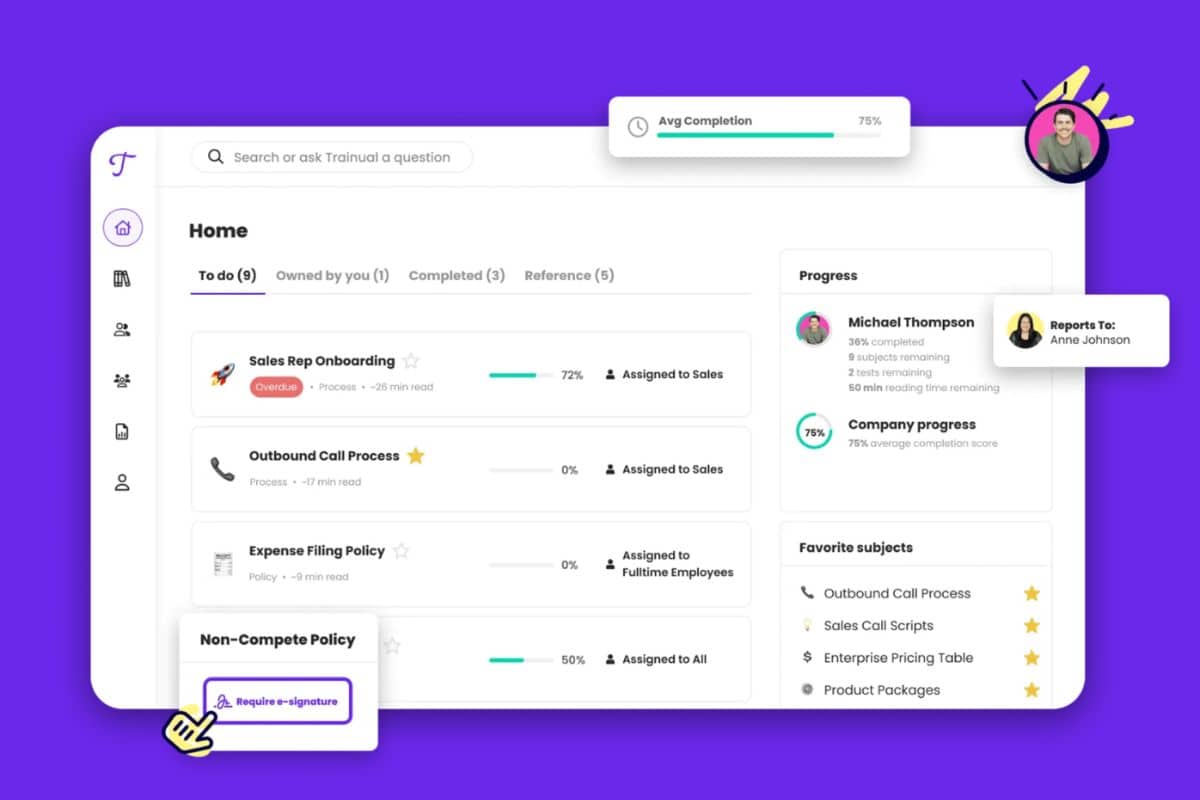
Trainual touts itself as a knowledge transfer and training platform for team growth. It boasts an induction training software system that aims to smoothen the process, and training tracking software features that support data-driven decision making. With automated features, Trainual aims to bring new hires up to speed in your company.
Key Features
- Document the induction training process in detail in one centralised, searchable source
- Induction training content easily created with extensive SOP and policy template library
- Mobile-ready app for laptops, tablets, and mobile devices
Pros
- Easy documentation of processes and policies in a centralised hub
- Strong customer service
- Integrations for more dynamic learning and training such as integration with Loom and GIFs
- User-friendly design that makes training fun
Cons
- Limited in-platform search capabilities
- More data management options in terms of access and storage
- Cumbersome implementation and adoption of system
Pricing
Trainual offer free access to two of its subscriptions: Small Business and Growth Business. Small Business costs $250 per month for one to 50 employees. Growth Business costs $417 per month for 51 – 100 employees. Unlimited access to all of Trainual can ask for custom pricing.
User Volume
Trainual caters to all kinds of businesses, from small to large enterprises. It also caters to non-profit businesses and government administrators.
Rating
4.8/5 (average rating from Capterra, GetApp, Software Advice)
Already Tried Trainual?
These alternative solutions may be a better fit for your needs.#7 iSpring Learn
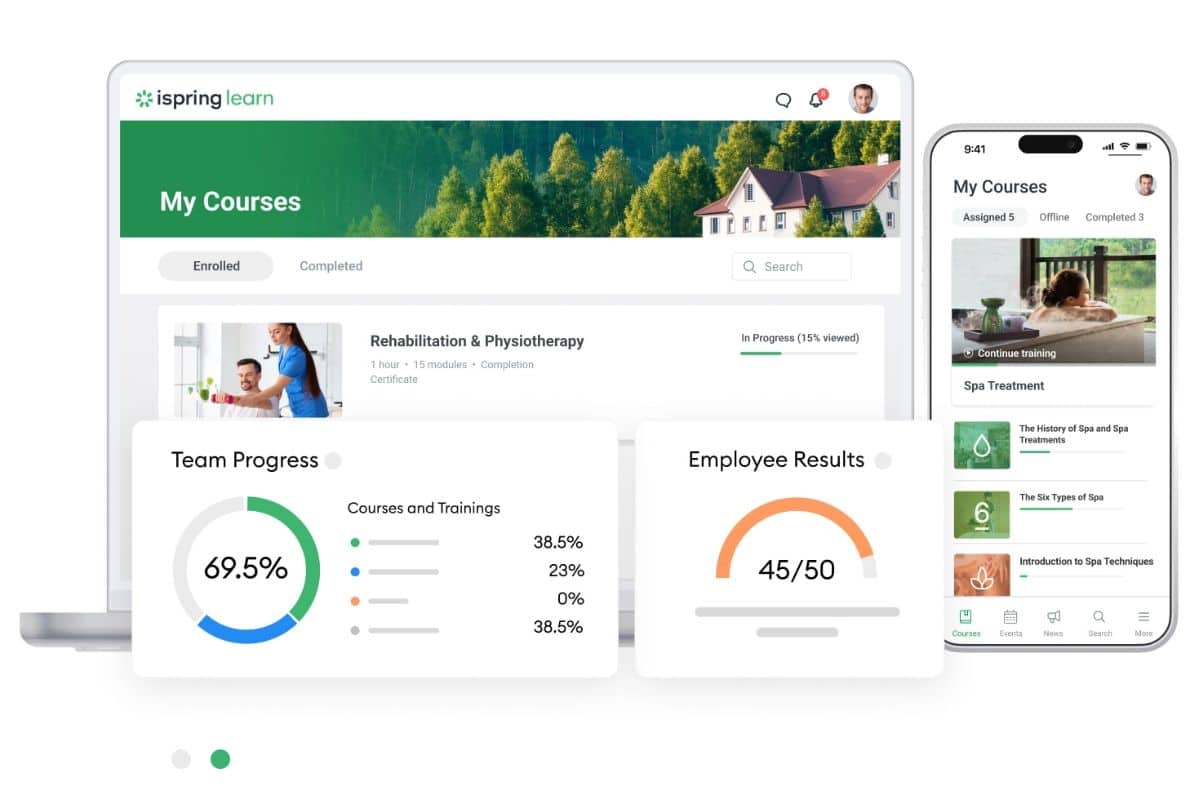
ISpring Learn is a learning management system with a strong authoring tool. It aims to make onboarding easier with induction training software features. Remote capabilities are also included, so that employees can train wherever they are. The remote-ready platform is further boosted by native iOS and Android support.
Key Features
- Built-in editor with longread feature for content creation
- Automated induction training capabilities
- Open to blended learning with other non-online activities
Pros
- Excellent and responsive customer service.
- Helpful guides and tutorials to help with familiarity of the system
- Powerful authoring tool with dynamic features for better learning
Cons
- Unavailable features for learning paths
- Learning curve for the authoring tool
- Limited custom user profile fields
Pricing
ISpring Learn has numerous pricing options to choose from. The main factor will be the volume of users you need. Pricing is divided further into a Start and Business tier. In any case, pricing varies between $2 to $3 per user per month on an annual billing cycle. You can ask for custom pricing as well.
User Volume
ISpring Learn focuses on small and medium-sized enterprises. However, large companies, non-profit organisations, public administrations, and freelancers also use the program.
Rating
4.6/5 (average rating from Capterra, GetApp, Software Advice)
#8 TalentLMS

TalentLMS is another online induction training software and learning management system that aims to make employee onboarding easier for companies. It promotes easy accessibility for new hires to progress in their onboarding at their own pace. The program also touts fewer costs and risks to the employee onboarding process when using their LMS.
Key Features
- Intuitive content-builder to simplify lesson and course creation for managers
- Automated induction training process by assigning courses automatically to new hires
- Reporting engine to provide analytics of new employee progress
Pros
- Helpful user guides and customer support
- Copy system of whole assessments
- User-friendly and intuitive system for hassle-less work
Cons
- Confusing workflows for administrators
- Limited testing options with little customisability and lack of integration
- Impractical pricing for licenses
Pricing
TalentLMS offers a free plan for its program that comes with 5 users and 10 courses. You can pay $69 per month for a Starter plan, $149 for Basic, $279 for Plus, and $459 for Premium. Enterprises can also get custom pricing.
User Volume
TalentLMS works great for individuals and businesses. Freelancers can use the Free version of the program without a problem. Small to large businesses can go with any of the paid plans depending on their needs.
Rating
4.7/5 (average rating from Capterra, GetApp, Software Advice)
#9 Absorb LMS
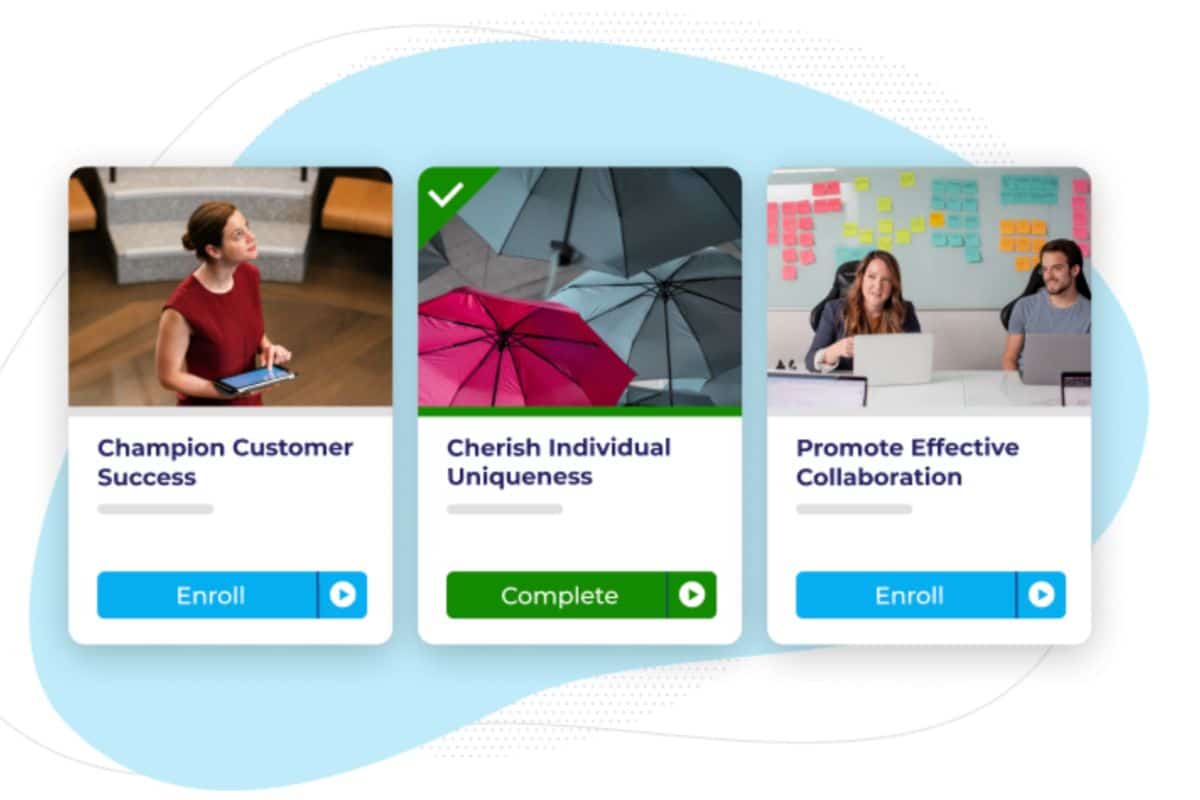
Absorb LMS is an induction training software with the ability to streamline and enhance the onboarding and training processes within organisations. It bridges the gap between complex learning needs and effective training delivery.
Key Features
- Provides interactive tools for induction training, although the level of interactivity may vary based on the plan chosen.
- Allows for customizable learning paths with some setup and management.
- Offers reporting capabilities to track new employee progress
Pros
- A solid platform with reliable backend support
- Easy to use system with a considerable feature set for creating content
- Learning experiences created are personalised, interactive, and flexible
Cons
- Limited assessment options in terms of answer types
- Reporting feature has a learning curve
- Lack of blended learning allowance
Pricing
Absorb LMS has a short survey you can answer. It will then create a custom price based on your answers to the survey. The questions include the number of learners and the purpose of the usage of Absorb LMS.
User Volume
Absorb LMS aims to serve all organisations needing induction training, external training, employee training, and more. It can help with a small group of new hires or even new personnel in the thousands.
Rating
4.5/5 (average rating from Capterra, GetApp, Software Advice)
#10 Connecteam

Connecteam is recognized in the induction training software market. It offers a suite of tools aimed at improving the onboarding and training process for new employees. It presents a range of functionalities crucial for businesses to consider when creating an onboarding training platform.
Key Features
- Offers a well-rounded suite of powerful features for induction training, including course creation, task management, and progress tracking.
- Includes in-app chat and notification capabilities, facilitating better communication between trainers and trainees.
- Provides a mobile-friendly experience, allowing new hires to access training material on the go.
Pros
- Push notifications for users for any updates
- Geo fencing for tracking new hires
- Numerous solutions for optimising team productivity
Cons
- Glitchy SMS features
- Unclear pricing plans and matching features
- Needs more advanced integrations with other software
Pricing
Connecteam offers a free version of the platform in the Small Business Plan. You pay $29 for the Basic plan, $49 for the Advanced, and $99 for the Expert plan. Large enterprises can also go with custom pricing.
User Volume
Connecteam aims to serve organisations in non-desk industries such as healthcare or retail. Businesses also use Connecteam to boost and simplify their team management.
Rating
4.8/5 (average rating from Capterra, GetApp, Software Advice)
Induction Software Buyer’s Guide
When choosing the perfect induction system for your company, you should consider the following important factors:
1. Identify Your Needs and Objectives
Determine the specific goals of your induction program, like compliance training, cultural assimilation, or role-specific skills. You should also assess the scale of your induction needs (number of new hires, frequency of sessions, unlimited users).
2. Ease of Use
Look for user-friendly interfaces for both administrators and new hires. Consider the learning curve and whether training or support is available.
3. Customisation and Flexibility
Evaluate the software’s ability to customise content, branding, and pathways to suit different roles or departments. Check if the software supports various interactive content types (videos, documents, quizzes).
4. Integration Capabilities
Ensure the software can integrate seamlessly with your HR system, learning management system (LMS), or other existing platforms. Look for the ability to import and export data easily.
5. Scalability
Consider whether the software can accommodate your organization’s growth and the potential increase in the number of users. Assess if additional features or users can be added easily and the associated costs.
6. Tracking and Reporting
Look for robust tracking and analytics features to monitor progress, completion rates, and engagement. Ensure the software provides detailed reports that can help in evaluating the effectiveness of your induction program.
7. Mobile Accessibility
Ensure the platform is accessible on various devices, including smartphones and tablets, to accommodate flexible learning styles. A mobile app can also be very useful if you are inducting deskless workers.
8. Compliance and Security
Verify that the software offers compliance with relevant legal and data protection standards. Evaluate the security measures in place to protect sensitive information.
9. Technical Support and Customer Service:
Assess the level of technical support provided, including availability and response times.
Consider the quality of customer service, including training resources and ongoing support.
10. Cost and Return on Investment (ROI):
Analyse the pricing structure, including any setup fees, monthly or annual subscription costs, and charges for additional features or users. Consider the potential ROI, taking into account the efficiency of the induction process, improved employee retention, and time saved.
11. User Reviews and Testimonials:
Research user reviews and case studies to understand the software’s strengths and weaknesses. Look for feedback on the software’s impact on the induction process and overall user satisfaction.
12. Free Trial or Demo:
Finally, check if a Explore Pricing or demo is available to test the software’s features and usability before committing.
Online Induction Software for Your New Employees
Induction training or onboarding is a crucial workplace process. However, it must be done efficiently and easily to keep costs down but still retain top talent. Bring new workers in and help them adapt quickly to your company’s processes. Check out the online induction training software above and see which one is best for you.



