

Finding the right solution for employee training is critical in today’s digital world. There are many different learning management systems (LMS) available on the market, but not all of them are a good fit for training employees in particular. Some are more geared towards higher education, while others don’t offer the advanced reporting and customisation features that businesses require to onboard employees or develop the skills required by their roles.
In this article, we look at Docebo and some popular alternatives that meet the needs of companies of all sizes.
What Is Docebo?
Docebo is an LMS used by big names across various industries. Their client list includes companies like Lego, Tripadvisor, Bridgestone, and Zoom. What makes the platform unique is its use of artificial intelligence in training. It uses AI to speed up course creation, automate workflows and personalise learning experiences.
However, Docebo is not a perfect fit for all businesses, particularly for Small and Medium Enterprises (SMEs). There are several reasons for this:
- High Pricing. Docebo’s pricing starts at $25,000 per year on a 3-year contract. This is well outside the budget of many companies, particularly SMEs.
- Requires a Large User Volume. The company says the platform is not suitable for companies with fewer than 250 learners.
- Lacks Comprehensive Reporting. Many users report that Docebo’s reporting features leave a lot to be desired. Docebo is not the best fit for businesses needing customisable reporting for compliance or to make data-driven insights.
- Overwhelming Speed of Updates. Docebo’s adoption of new technologies and features can impact the platform’s reliability. Many users report features being released before they are properly developed, leading to bugs and frustration. Some feel that time would be better spent improving older functionality rather than adopting new features.
- Unreliable Support. One of the biggest complaints from users about the platform is that it’s difficult to contact support when problems arise. The company offers email and chat support, but responses are slow and resolutions can take weeks or even months.
Alternatives to Docebo



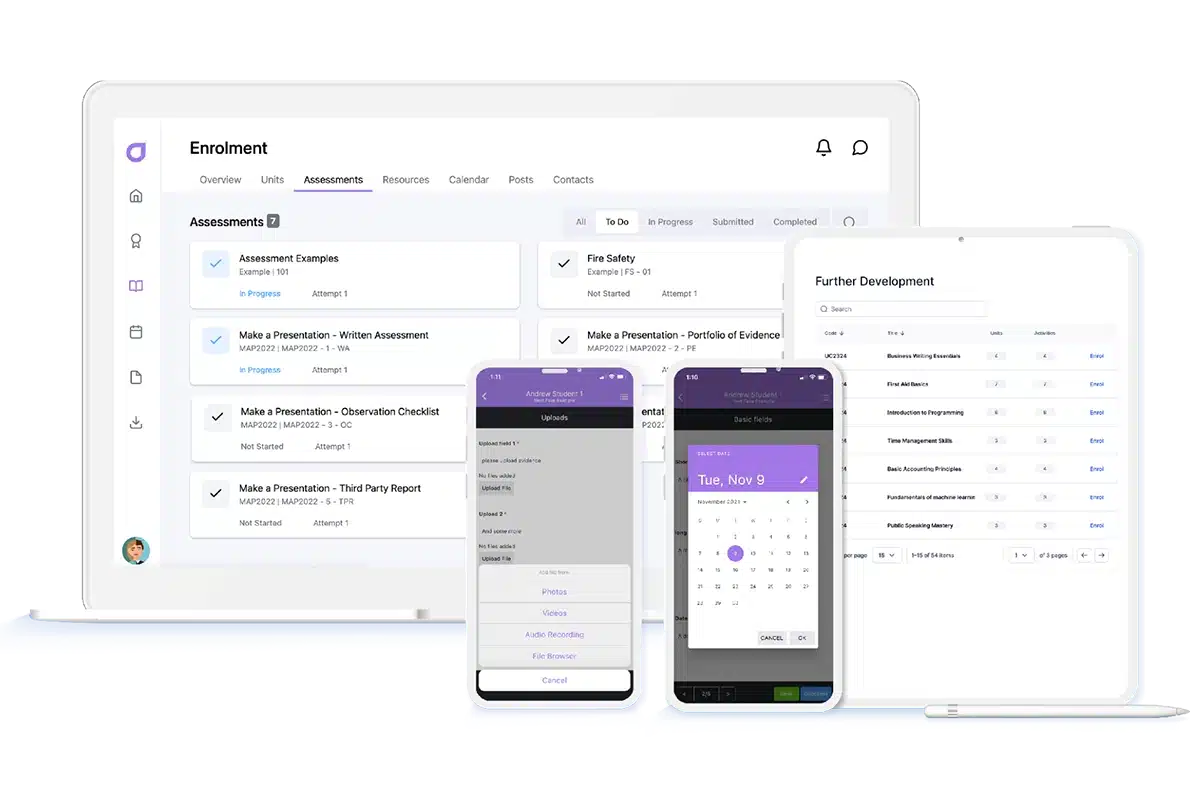
Cloud Assess is a training and assessment platform that focuses on employee skill development and workplace training. The platform enables robust reporting, and has a customisable interface, and competency tracking, making it ideal for companies frustrated with Docebo’s limited customisation features and reporting.
Cloud Assess’ offline access, mobile-friendliness, and flexible pricing to accommodate diverse company needs are also significant advantages of the platform. On top of this, they also offer extensive support, ranging from tutorials and system documentation, to chat and email support with an average response time of under 30 seconds.
Whether you’re looking for a skills management solution or want to provide custom training programs and assessments for your team, Cloud Assess is the top solution on the market today.
Key Features
- Customisable course authoring
- Social learning features
- Gamification features
- Workflow automation
- Competency and skill tracking
- Skill gap analysis
- Extensive reporting and analytics features
- SCORM compliance
- Online and offline training and assessment features
- User-friendly mobile app
- Integration with over 5000 systems
- Free course library
- New Skills Matrix product offering
Pros
- Highly customisable to ensure training materials meet branding requirements
- User-friendly platform across devices
- Offline capabilities are particularly effective for deskless workers
- Advanced reporting capabilities simplify compliance
- Portable, accessible and mobile training
Docebo vs Cloud Assess
Cloud Assess offers:
- Affordable pricing for companies of all sizes
- Accommodates anywhere from 25 to thousands of users
- Detailed reporting and analytics features with advanced customisation options
- Exceptional support across a range of channels including chat and email.
Pricing
Cloud Assess offers an all-inclusive solution for employee training in high-risk, high-compliance industries. Every feature is included from day one, including mobile offline assessment, verification of competency, skills matrix and automated compliance tracking. There are no upgrade paths or feature gates. Visit our pricing page for an accurate quote.
Rating
4.7/5 (average rating from Capterra, G2, GetApp, Software Advice)
#2 Absorb LMS
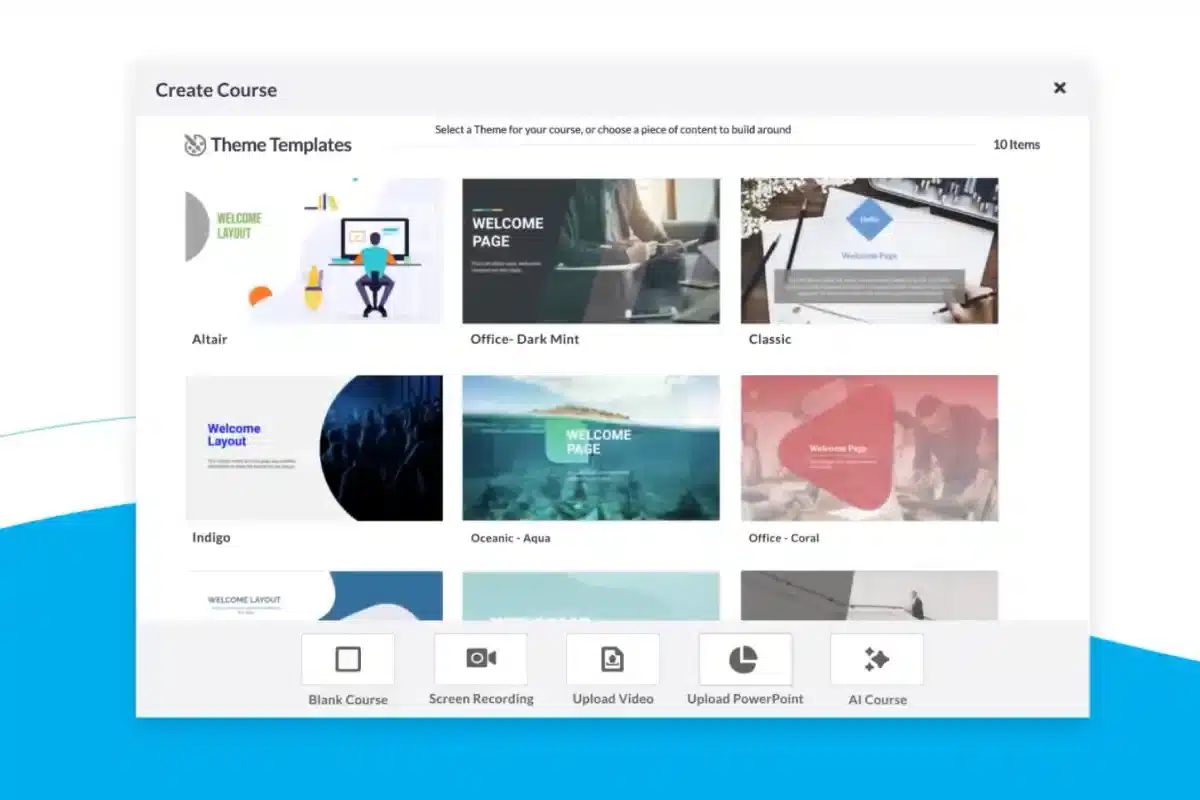
Absorb LMS is another powerful LMS system with advanced reporting, comprehensive integration options, and custom branding capabilities. It works particularly well for compliance tracking, making it a good fit for enterprises with complex regulatory needs.
However, though many bigger companies may appreciate Absorb’s extensive feature set, it does make for a steeper learning curve. Like with Docebo, companies with limited resources or simple use cases may find many features unnecessarily complex.
Key Features
- Automated workflows
- Advanced reporting features
- Custom branding options
- Gamification features
- SCORM and xAPI support
- Compliance tracking
- eCommerce features for reselling courses
- Integration with HR systems
Pros
- Offers an intuitive user interface
- Provides advanced reporting and analytics capabilities
- Highly customisable platform and course creation
Cons
- Limited collaboration tools
- Overwhelming features for simple use cases
- Steep learning curve for administrators
Docebo vs Absorb LMS
Absorb LMS offers:
- Improved reporting capabilities
- Strong customer support
- Pricing options for anywhere from 1 – 25,000 users
Pricing
Absorb LMS doesn’t make pricing available on their website. You can contact them directly for a quote or a free trial or demo.
Rating
4.6/5 (average rating from Capterra, G2, GetApp, Software Advice)
#3 Cornerstone LMS
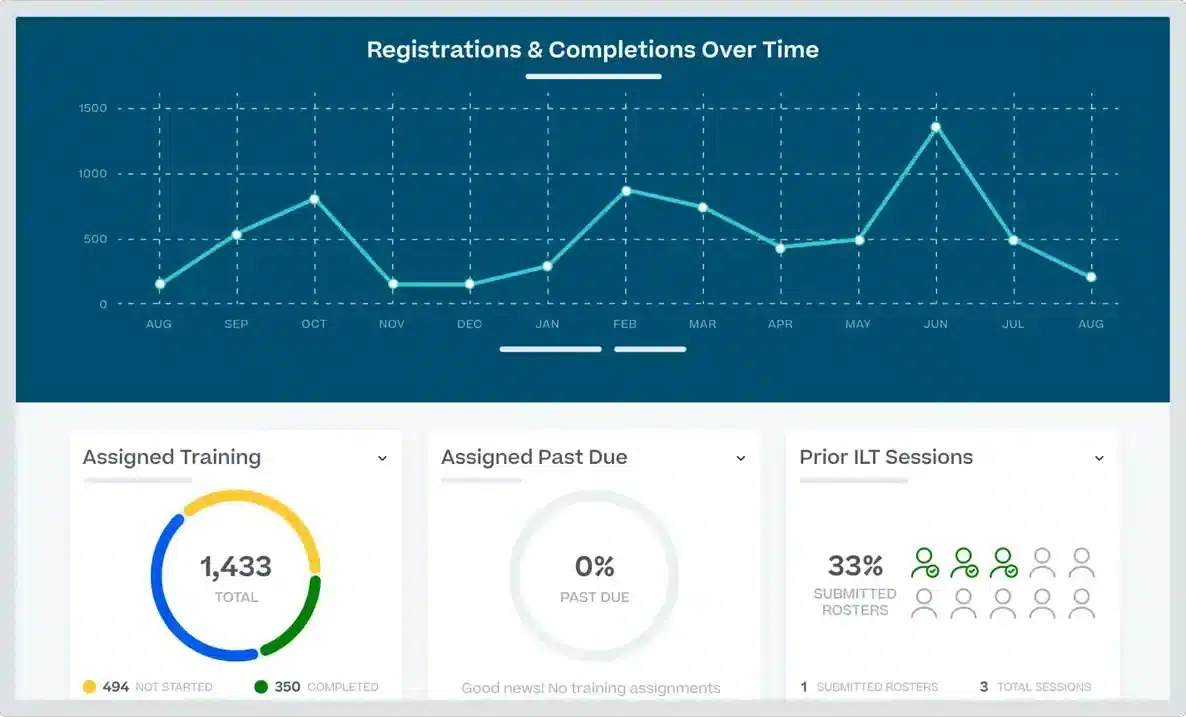
Cornerstone LMS is a robust digital learning platform that addresses many of Docebo’s weaknesses, such as limited reporting and customisation. The platform offers advanced reporting with comprehensive analytics, AI-driven recommendations, and compliance management.
Like Docebo, however, Cornerstone is primarily aimed at enterprise-sized businesses. The platform’s complexity may require a dedicated technical team to implement effectively.
Key Features
- Learning and development tracking
- Compliance management
- Certification management
- Customisable learning paths
- Social learning tools
- AI-driven content recommendations
- Integration with HR tools
Pros
- Comprehensive set of features for managing and tracking learning
- Advanced compliance management functionality which includes certifications
- Strong reporting and analytics features
Cons
- Requires technical setup that may be difficult without a dedicated IT team
- Can be overwhelming for small businesses
- Customer support can take some time
Docebo vs Cornerstone OnDemand
Cornerstone OnDemand offers:
- More advanced reporting and analytical functionality
- AI features for course recommendations in particular
- Fewer complaints about customer support
Pricing
Cornerstone LMS doesn’t offer pricing on their website, but you can contact them for a personalised demo or a quote.
Rating
4.2/5 (average rating from Capterra, G2, GetApp, Software Advice)
#4 Tovuti LMS
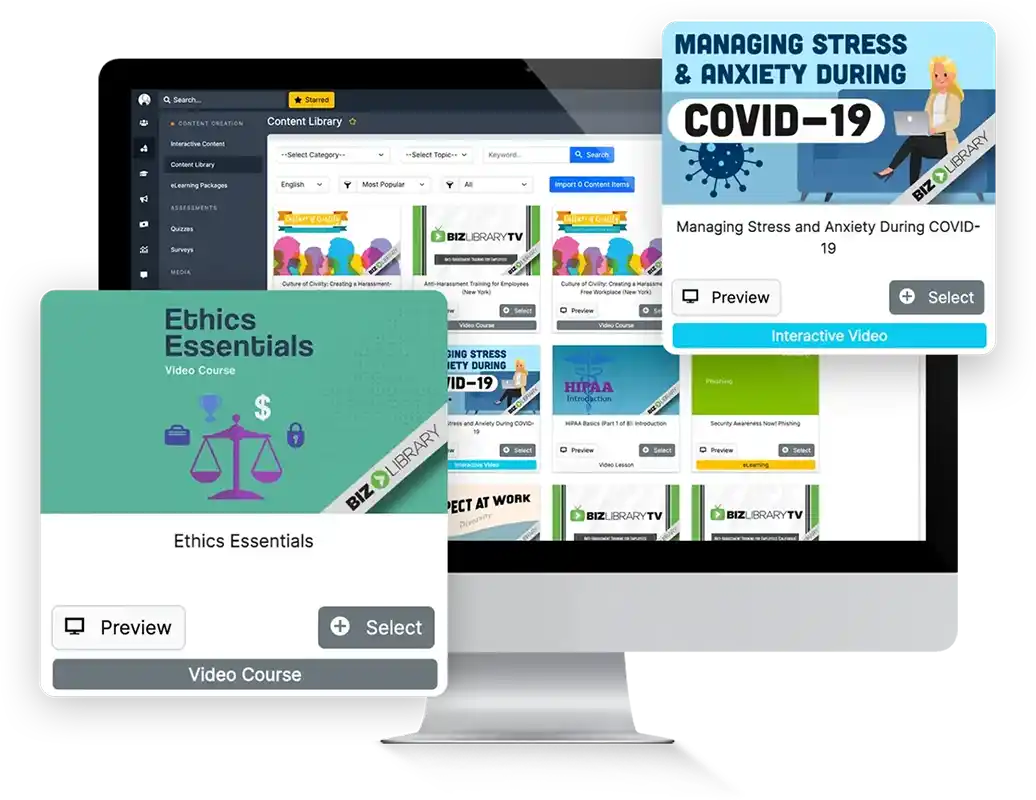
Another one of the popular Docebo alternatives to consider is Tovuti LMS. It’s an LMS for corporate training that offers easy course-building tools, strong gamification features, and great customer support. Companies get a customisable experience with branding features and personalised learning paths, making it a good option for companies that want to create custom courses.
However, Tovuti LMS doesn’t offer as many reporting features as some competitors, and it has limited integration options. This could be a downside for businesses that rely on connecting multiple systems. Its mobile app could also use improvement, which may affect user experience on the go.
Key Features
- Interactive course builder
- SCORM compliance
- Gamification features
- Mobile compatibility
- Custom branding options
- Personalised learning paths
- Event management
- eCommerce features for reselling courses
Pros
- Highly customisable platform
- Easy and interactive course authoring tool
- Very responsive customer support
Cons
- Limited integration options
- Mobile app isn’t as functional as some competitors
- Support isn’t available 24/7
Docebo vs Tovuti LMS
Tovuti LMS offers:
- More advanced customisation options
- Reliable customer support
- Accommodates anywhere from 1 to 100,000 users.
Pricing
Tovuti LMS doesn’t advertise pricing on their website. You would need to contact them directly for a price or demo.
Rating
4.7/5 (average rating from Capterra, G2, GetApp, Software Advice)
#5 TalentLMS
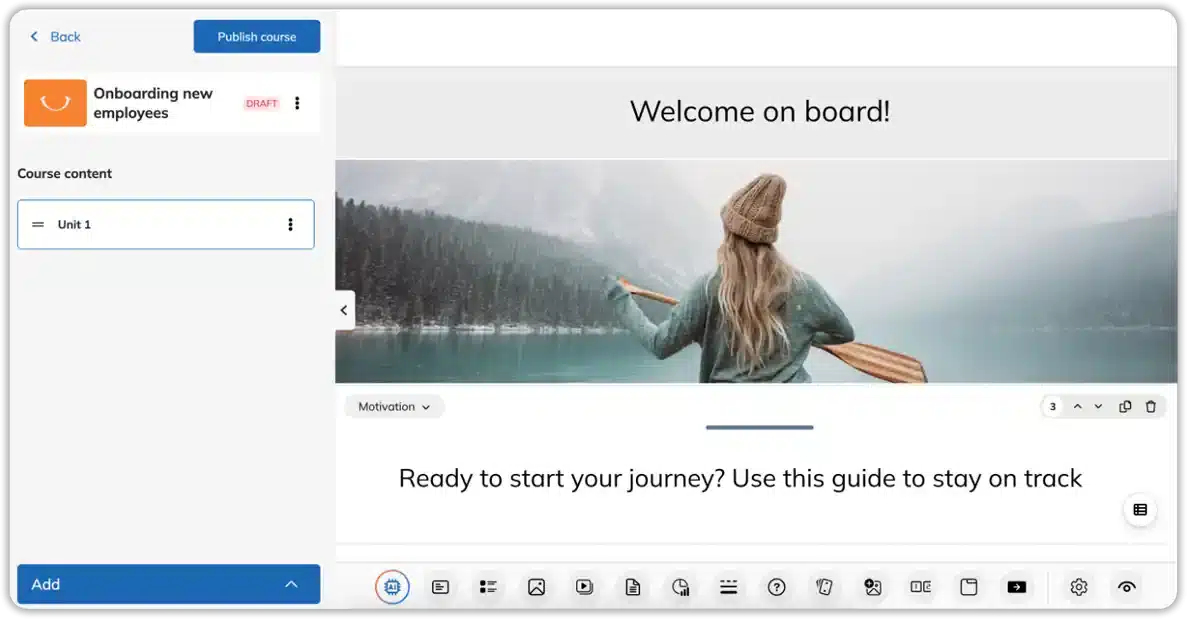
TalentLMS provides a user-friendly interface, robust gamification features, and customisable learning paths, making it one of the top Docebo alternatives. Their focus on mobile compatibility makes it a good fit for training deskless and frontline workers. The learning platform also offers pricing options that accommodate SMEs.
However, TalentLMS’s lower pricing tiers come with limited reporting and content management features. This means that a higher rate is required to take full advantage of reporting and customisation or to access live chat or phone support.
Already know that TalentLMS isn’t the right fit?
Explore alternatives.Key Features
- Customisable learning paths
- SCORM compliance
- Gamification features
- Mobile app
- Advanced reporting and analytics
- Custom branding
- eCommerce features for reselling courses
Pros
- Offers an intuitive and user-friendly interface
- Pricing tiers available to meet a wide range of business needs
- Strong mobile functionality
- Quick setup on the platform
Cons
- Limited content management capabilities
- Custom reporting only becomes available on higher pricing tiers
- Limited advanced customisation
- Only email support available in lower pricing tiers
Docebo vs TalentLMS
TalentLMS offers:
- More adaptable to suit a wide range of business sizes and needs
- Significantly lower pricing compared to Docebo
- Comprehensive reporting is available on some pricing tiers
Pricing
TalentLMS offers Core, Grow, Pro and Enterprise pricing tiers. Their lowest tier starts at $89 per month for between 1 and 40 users. Features like onboarding, custom reports, and LinkedIn Learning Integration are available on the Grow plan, which costs $139 per month. If you want to remove TalentLMS branding or want priority support options, you’ll need to choose the Pro platform which costs $179 per month.
Rating
4.7/5 (average rating from Capterra, G2, GetApp, Software Advice)
#6 Litmos
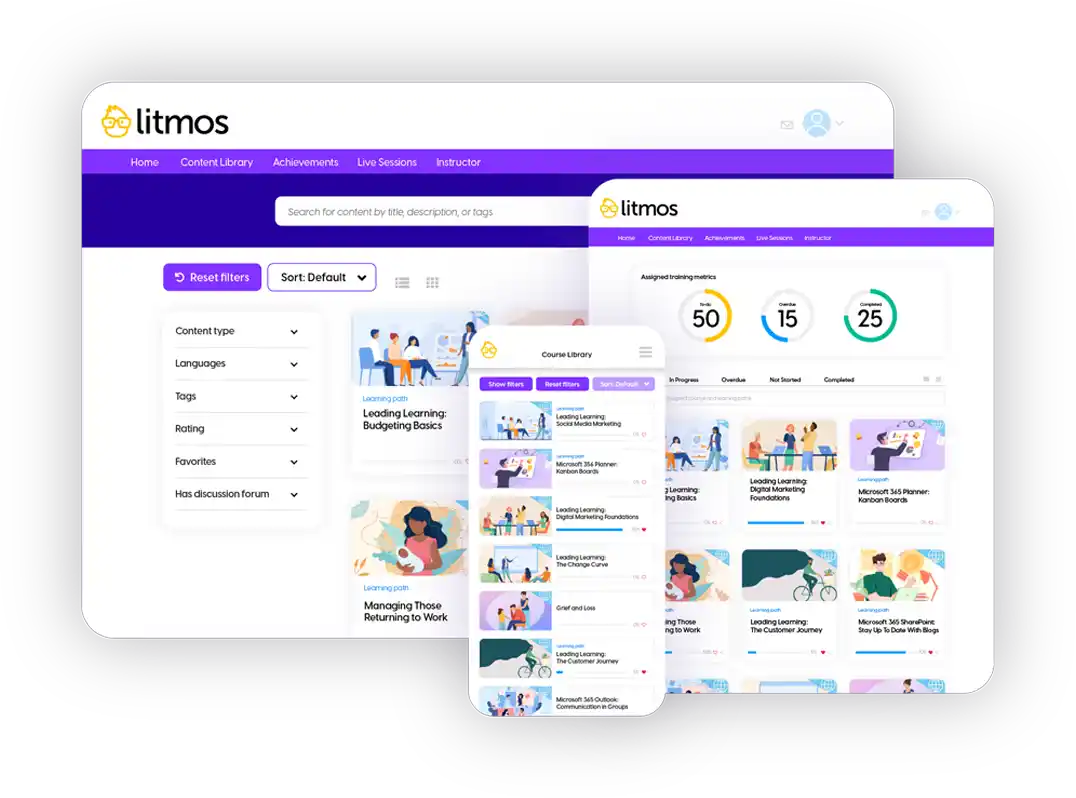
Litmos is known as one of the top course management systems on the market, making it another good choice among Docebo alternatives. Its user-friendly interface, extensive reporting features and SCORM and xAPI integrations make it a good option for compliance management and mobile learning.
However, where Litmos does fall short is with its customisation options. The platform is also more focused on course management than other administrative tasks, making it less adaptable than some other options on this list.
Key Features
- Course authoring
- SCORM and xAPI support
- Custom branding
- Gamification features
- Advanced reporting features
- Integration with HR tools
- Certification management
- Competency tracking and skill development
- eCommerce tools for reselling courses
Pros
- Offers strong reporting and analytics features
- Advanced options for tracking employee skill development and competencies
- Strong integration with SalesForce
- Easy to use right from the start
Cons
- Limited customisation options outside of removing Litmos branding
- Existing content library needs to be expanded
- Less adaptable outside of course creation and delivery, requiring integrations with other business tools.
Docebo vs Litmos
Litmos offers:
- Accommodates companies of all sizes
- Better reporting and analytics functionality on Platinum pricing tier
Pricing
Litmos offers three pricing tiers: Foundation Suite, Premier Suite and Platinum Suite. You would need to contact them directly for a quote or to request a free trial.
Rating
4.2/5 (average rating from Capterra, G2, GetApp, Software Advice)
#7 LearnUpon
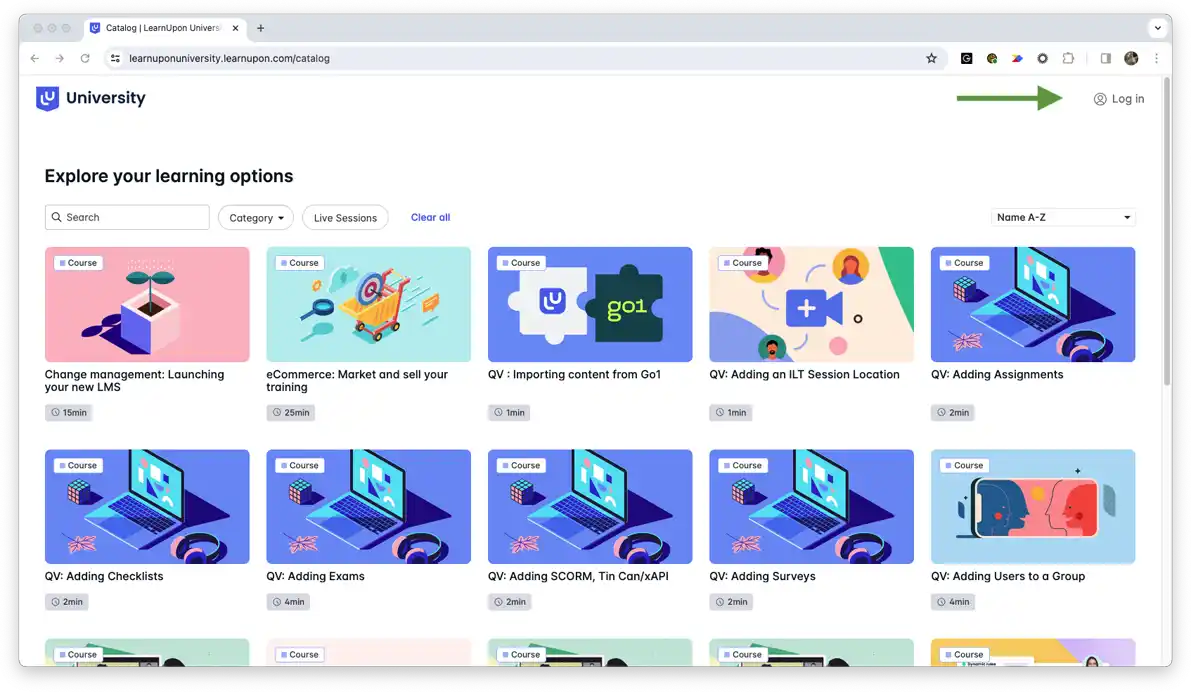
LearnUpon is an LMS that is quick to implement and easy to use, making it a good option for employee training. Unlike many other platforms, it doesn’t have a steep learning curve — the platform is intuitive, making it easy to adopt in companies of any size. It also has advanced reporting and analytics capabilities, including compliance and competency tracking.
However, the content creation tools that LearnUpon offers aren’t as comprehensive as solutions like Cloud Assess or Litmos. Companies that want an all-in-one platform that addresses multiple business needs should look at other options on this list.
Looking for other options?
Check out these LearnUpon alternatives for internal and external training.Key Features
- Customisable learning paths
- SCORM compliance
- Custom branding
- Mobile support
- Advanced reporting features
- User-friendly interface
- Certification management
- Competency tracking
- eCommerce features for reselling courses
Pros
- Strong reporting capabilities
- Intuitive design makes it quick to implement
- Great customer support
Cons
- Offers limited content creation tools
- User management is more complicated than many competitors
- Smallest package accommodates 150 users, making it less suited to small businesses
Docebo vs LearnUpon
LearnUpon offers:
- Advanced reporting features
- Reliable and quick customer support
- Also makes use of AI in the learning process
Pricing
LearnUpon offers Essential, Premium and Enterprise pricing tiers. The smallest tier, Essential, accommodates around 150 users, making it a good option for medium to large companies rather than SMEs. Pricing and demos are available on request.
Rating
4.7/5 (average rating from Capterra, G2, GetApp, Software Advice)
#8 Canvas LMS
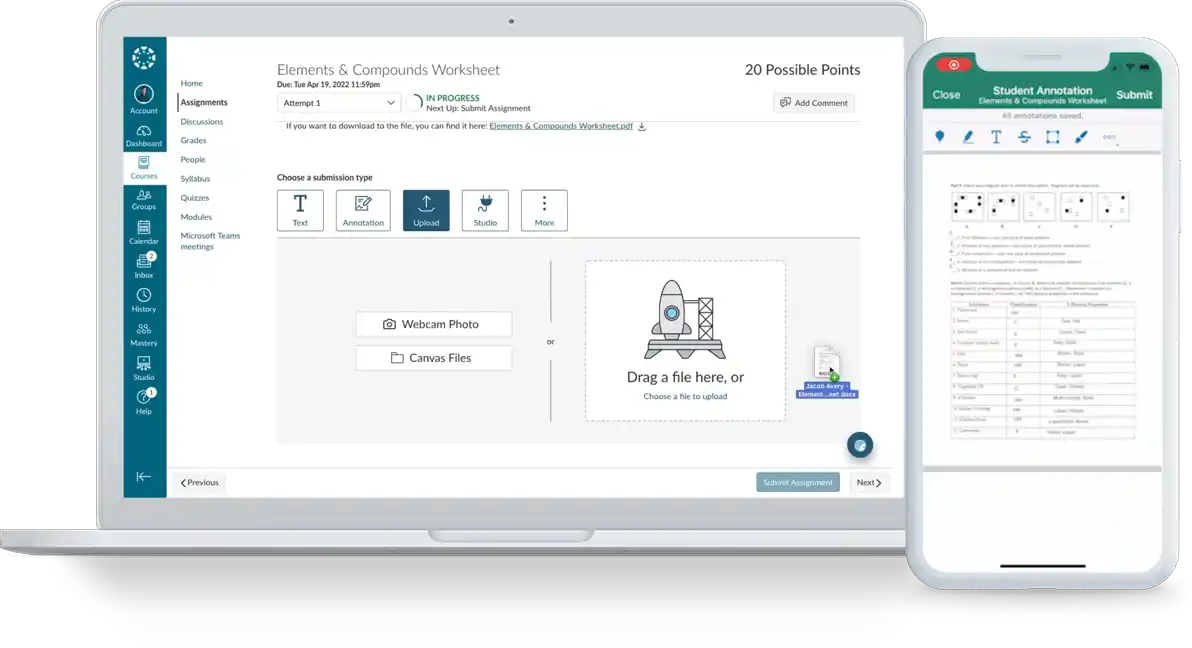
Canvas by Instructure is another highly customisable and flexible platform that is suitable for companies of all sizes. It’s also one of the most affordable options on this list since it’s open-source, making it 100% free for students to use. This also makes it extremely customisable for those with technical experience. However, administrators do need to pay for management and reporting features.
While Canvas is a good fit for companies looking for an open-source and low-cost platform, it does come with a steep learning curve and a time-consuming setup process. Canvas LMS also doesn’t offer significant support, especially for free accounts. The platform is more commonly used in K12 and higher education than as a platform for employee training program delivery.
Already tried Canvas LMS?
These alternatives may be a better fit for your needs.Key Features
- Custom branding
- Advanced reporting features
- Mobile compatibility
- Personalised learning paths
- Open API for integrations
- Competency-based learning
- Accessibility features
- SCORM compliance
Pros
- Highly customisable
- Open source and free to use for students and educators
- Extensive integration options
Cons
- Complex and time consuming for beginners
- May require technical expertise to make the most of open source software
- Limited support for free accounts
Docebo vs Canvas LMS
Canvas LMS offers:
- More affordable
- Available to businesses of any size
- Strong reporting tools and features
Pricing
Canvas LMS is free for students and educators to use. For detailed pricing on the management side of the platform, you would need to contact them directly.
Rating
4.5/5 (average rating from Capterra, G2, GetApp, Software Advice)
#9 360Learning
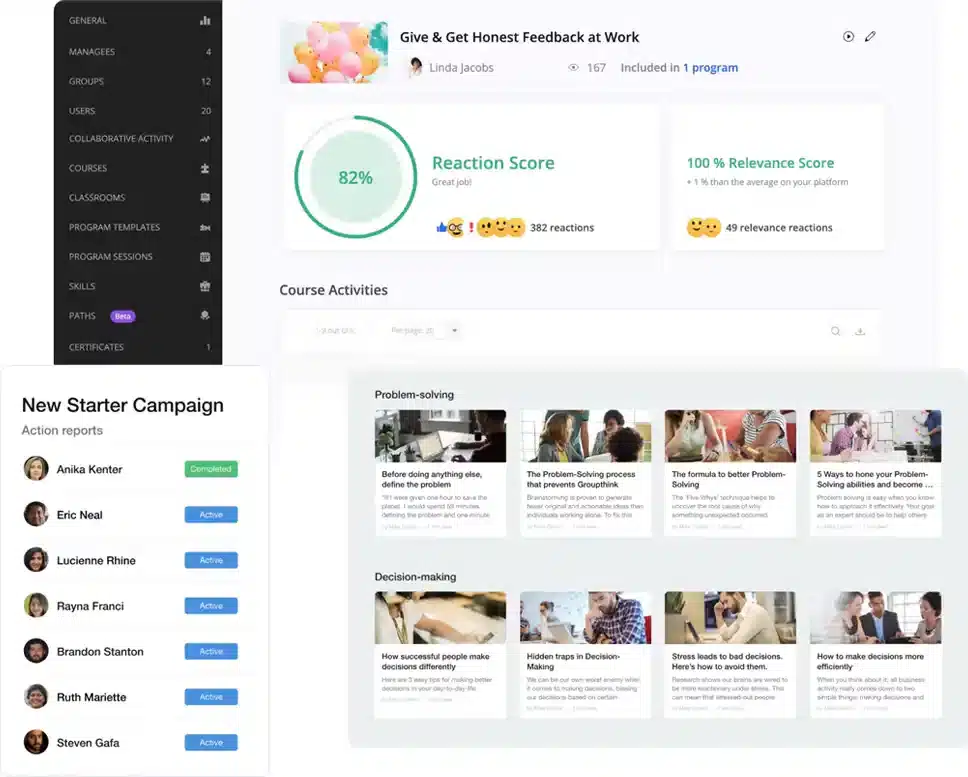
360Learning is a learning portal that offers great collaborative and social features. Its focus is on learning through knowledge-sharing and allows teams to create content which is then shared among colleagues. This collaborative learning process is an advantage for companies that don’t have dedicated training teams, since it boosts team engagement and co-learning.
However, this social form of employee training isn’t the right fit for every business. 360Learning also doesn’t offer as many reporting features or integrations as many of its competitors. If you’re a company that prefers traditional training methods, 360Learning is unlikely to suit your needs.
Key Features
- Collaborative learning tools
- Social learning features
- Gamification features
- Customisable learning paths
- Mobile compatibility
- Advanced analytics
- Custom branding
- Certification management
- SCORM compliance
Pros
- Strong collaborative features
- Interactive content creation options
- Intuitive interface
- Gamification boosts learner engagement
Cons
- Offers limited integrations
- Only basic reporting options in lower pricing tiers
- Requires extensive training to master advanced features
- Less suitable for traditional employee training techniques
- Support is limited on lower pricing tiers
Docebo vs 360Learning
360Learning offers:
- While 360Learning’s reporting and analytics features could be improved, they are still more versatile than Docebo’s features
- Engaging learning experience
- Affordable pricing for any business size
Pricing
360Learning’s Team package is available for $8 per user per month. This makes it easily affordable for small businesses, but more expensive for larger organisations. Business pricing, which includes integrations with other platforms and a dedicated technical support team, is available on request.
Rating
4.6/5 (average rating from Capterra, G2, GetApp, Software Advice)
#10 Bridge
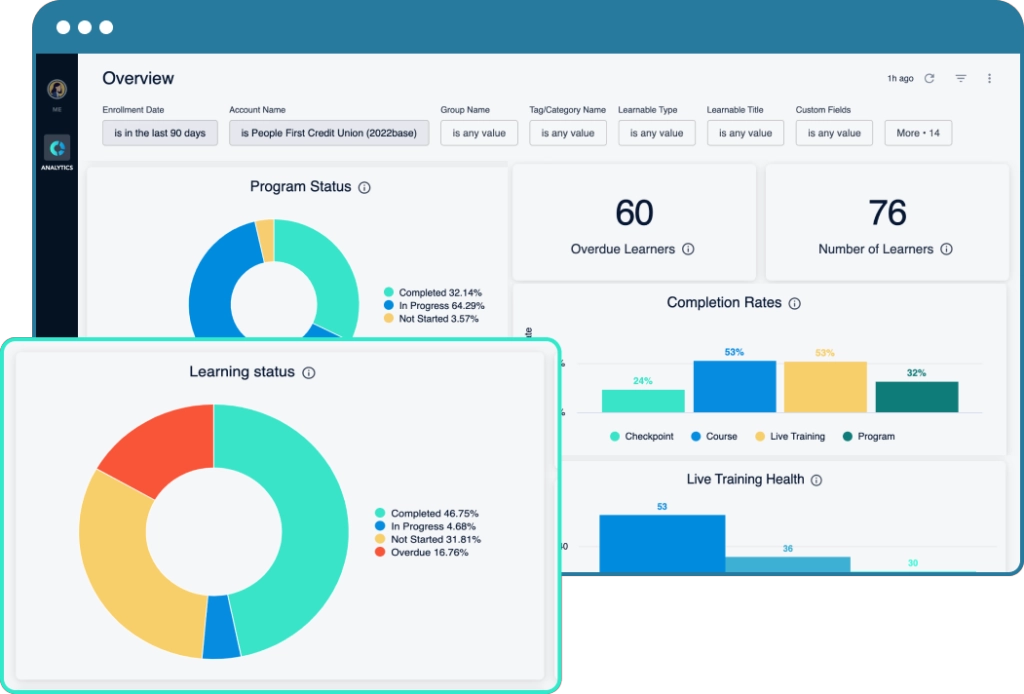
Like 360Learning, Bridge offers strong social learning features along with advanced reporting, and mobile compatibility. Its user-friendly interface makes it easy to use, even for businesses that don’t have access to in-house technical expertise. Bridge also offers skills development and performance management tools that make it a good option for businesses that want to focus on continuous professional development.
However, Bridge doesn’t have as many content creation features as many other Docebo alternatives on this list. It also doesn’t offer many customisation options, making it more difficult to adopt for larger businesses or those who want to offer custom employee training. And while Bridge doesn’t require technical expertise, it does take some training to get used to the platform and make full use of its features.
Key Features
- Custom branding
- Advanced reporting
- Mobile-friendly
- Performance management tools
- Social learning features
- Personalised learning paths
- Video hosting
- Integration with popular platforms
- eCommerce functionality for reselling courses
Pros
- Strong focus on social learning
- User-friendly interface
- Comprehensive reporting tools
Cons
- Limited course creation features
- Advanced authoring and engagement surveys are only available as add-ons to all pricing plans
- Less flexibility in customisation than other competitors
- Requires training to fully utilise the platform
Docebo vs Bridge LMS
Bridge LMS offers:
- More advanced reporting features
- More affordable pricing
- Accommodates a wider range of company sizes
Pricing
Bridge’s LMS annual agreements start at $12,500 per year. Pricing for their Learn, Learn & Develop, and Perform tiers is available on request.
Rating
4.4/5 (average rating from Capterra, G2, GetApp, Software Advice)
Looking for More Alternatives?
We’ve done the hard work for you. Explore these curated lists of popular platforms and alternative solutions.



